Get Directions
Pinch or use the controls to zoom. Drag to pan when zoomed in.
Get Directions
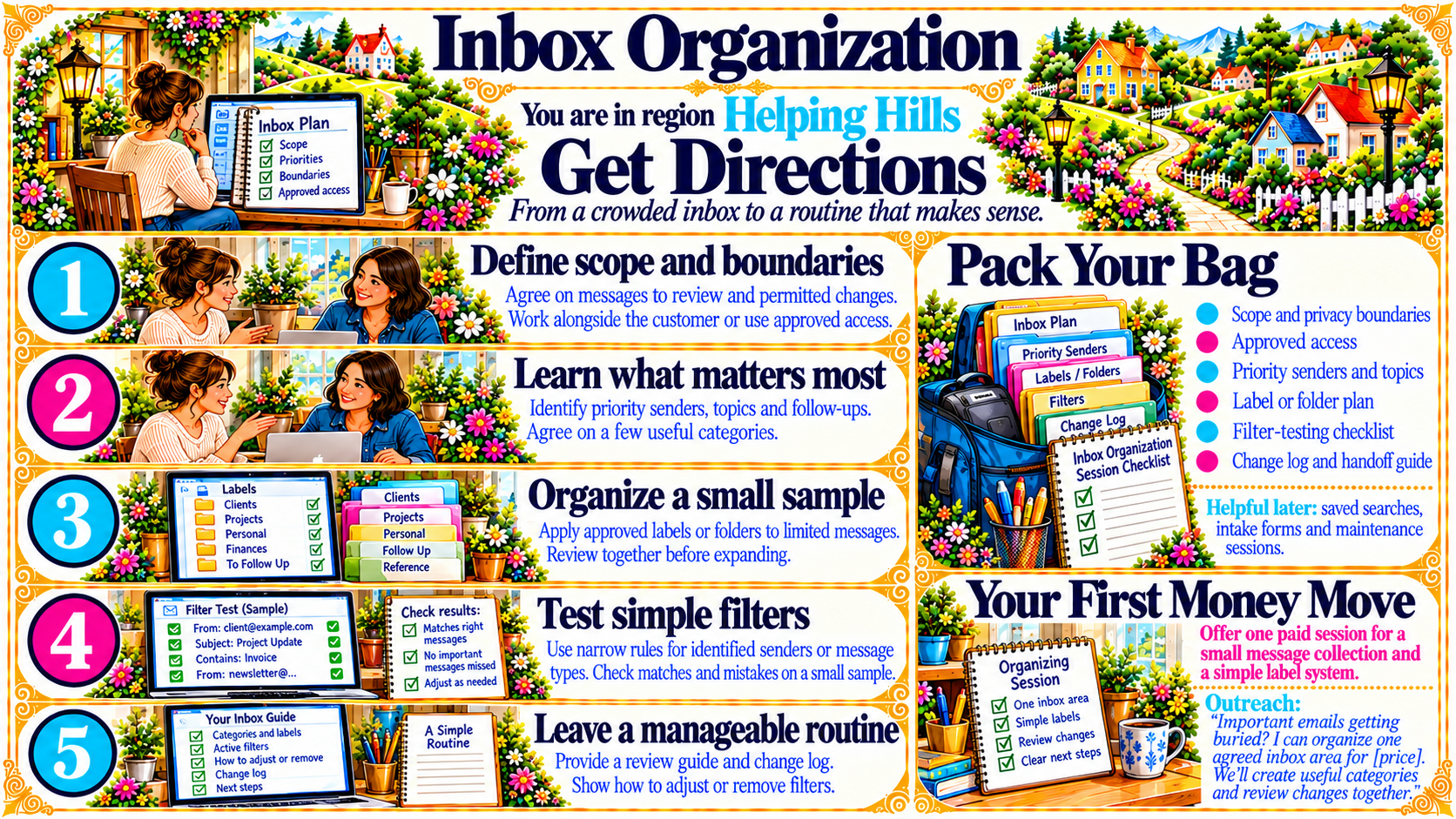
StepDefine scope and boundaries
Agree on messages to review and permitted changes.
Work alongside the customer or use approved access.
Source
- Original artwork, Step 1: Open original PNG
StepLearn what matters most
Identify priority senders, topics and follow-ups.
Agree on a few useful categories.
Source
- Original artwork, Step 2: Open original PNG
StepOrganize a small sample
Apply approved labels or folders to limited messages.
Review together before expanding.
Source
- Original artwork, Step 3: Open original PNG
StepTest simple filters
Use narrow rules for identified senders or message types. Check matches and mistakes on a small sample.
Source
- Original artwork, Step 4: Open original PNG
StepLeave a manageable routine
Provide a review guide and change log.
Show how to adjust or remove filters.
Source
- Original artwork, Step 5: Open original PNG