AI Express Lane
Pinch or use the controls to zoom. Drag to pan when zoomed in.
AI Express Lane
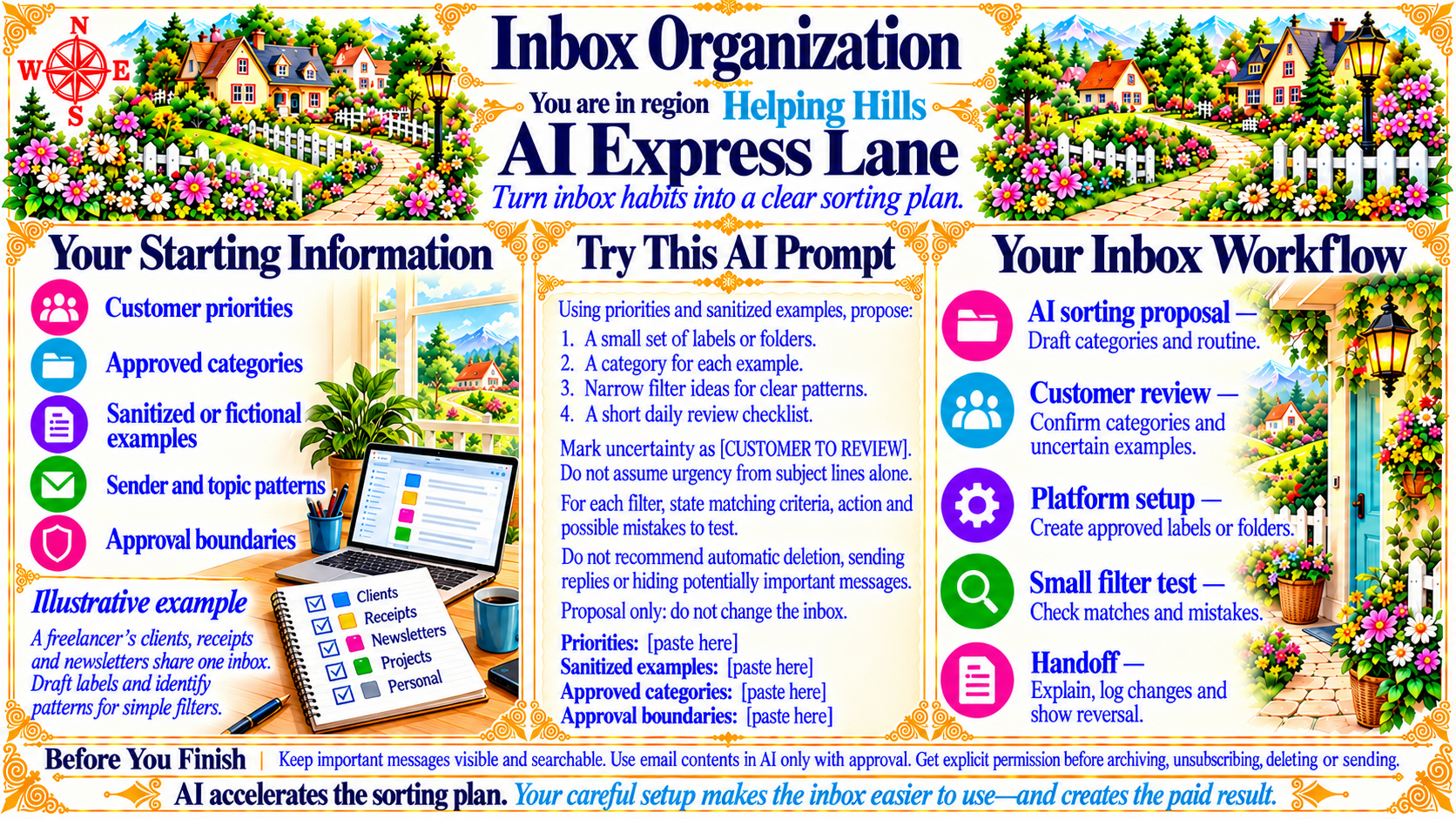
Turn inbox habits into a clear sorting plan.
Source
- Original artwork, subtitle: Open original PNG
Your Starting Information
Customer priorities
Approved categories
Sanitized or fictional examples
Sender and topic patterns
Approval boundaries
Illustrative example: A freelancer’s clients, receipts and newsletters share one inbox. Draft labels and identify patterns for simple filters.
Source
- Original artwork, left panel: Open original PNG
Your Inbox Workflow
AI sorting proposal — Draft categories and routine.
Customer review — Confirm categories and uncertain examples.
Platform setup — Create approved labels or folders.
Small filter test — Check matches and mistakes.
Handoff — Explain, log changes and show reversal.
Source
- Original artwork, right panel: Open original PNG
CheckBefore You Finish
Keep important messages visible and searchable. Use email contents in AI only with approval. Get explicit permission before archiving, unsubscribing, deleting or sending.
Source
- Original artwork, bottom strip: Open original PNG
Try This Prompt
Source
- Original artwork, Try This AI Prompt: Open original PNG