Detours
Angie's LandmarksRoadside Wisdom
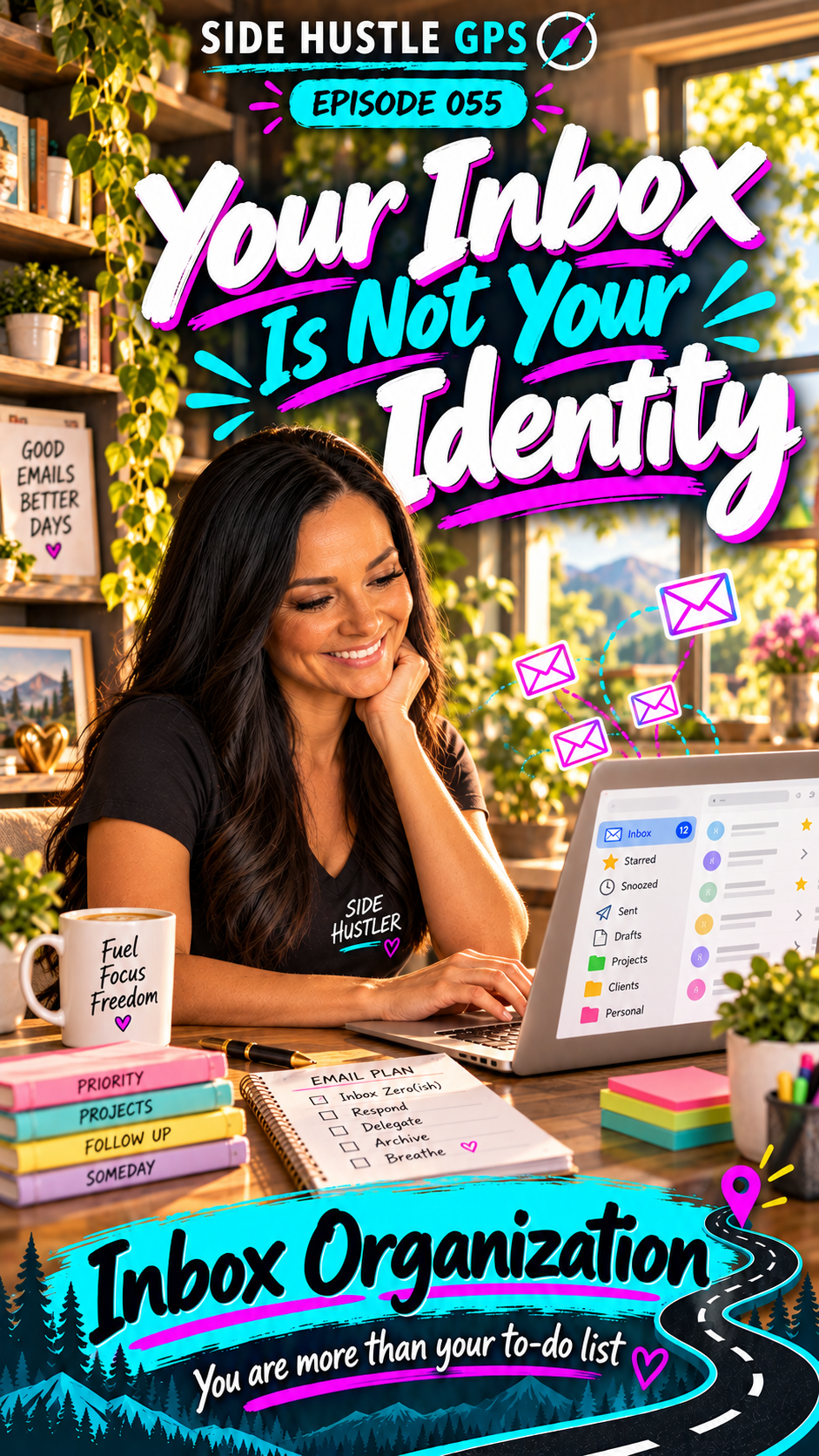
Your Inbox Is Not Your Identity
Read transcript
Have you ever opened your email, looked at all those messages, and thought, “Holy cow. I’m going to be here for hours”?
Work emails. Shopping offers. Newsletters. Appointment reminders.
Everything arriving in one place, all asking for your attention.
I’m Angie Norris, and this is Side Hustle GPS.
Today, we’re stopping in Helping Hills to explore Inbox Organization.
This is one of my favorite ways to stay organized.
In Gmail, I use labels and filters to help put messages where they belong.
I also use AI to help prioritize emails, summarize information, and flag things that may need my attention sooner.
Because I have several email addresses, keeping everything organized takes effort.
But even with one address, you can have a lot coming in.
Messages from clients and family mixed with software updates, newsletters, and offers from places you shop or eat.
You want to find what matters without scrolling through everything else.
And helping someone create that system can be a paid service.
Start by asking how they use their email.
What do they need to see quickly? Which messages are useful but can wait? What do they want to keep for reference?
Then help them create a manageable structure.
Maybe client messages get a label. Receipts have a place to go. Promotional emails move out of the main inbox so they can read them when they choose.
The goal is an inbox that feels usable to that person.
For someone who wants a smaller inbox, that could mean keeping only current messages visible and archiving the rest.
Archiving keeps messages available without leaving every one in the inbox.
And you can teach them how to maintain the system afterward.
I used to run an AI morning show, and Wednesdays were my AI Party Tricks days.
One demonstration involved an automation that logged email information into a spreadsheet and flagged certain items.
I loved showing people what was possible.
There are more advanced ways to use AI assistants for email, too. But you can begin with straightforward inbox organization.
A useful set of labels, a few carefully tested filters, and a routine the customer understands can make a difference.
AI can help you plan categories, draft that routine, and summarize messages when the customer has approved the tool and access.
Review its priorities, though. Something important can be missed, and a summary doesn’t replace reading a message that needs a decision.
Your job is to help the person feel more in control.
Your inbox is not your identity.
A long list of unread emails doesn’t tell the whole story of your work, your effort, or your life.
You are more than your to-do list.
Your first money move?
Offer a small inbox setup session to someone you know.
Work together to choose a few useful labels and filters. Agree on what can be archived, and get approval before deleting messages or unsubscribing.
Test the filters so important emails still appear where they expect them.
Then leave them with a short guide for keeping it organized.
Start with one inbox and one clear result: making important messages easier to find.
So, what would you want to see first when you opened your email tomorrow?
Explore Inbox Organization in Helping Hills at SideHustleGPS.com.
Give your messages a system.
And give yourself permission to decide what deserves your attention.
You are more than your to-do list