Detours
Angie's LandmarksRoadside Wisdom
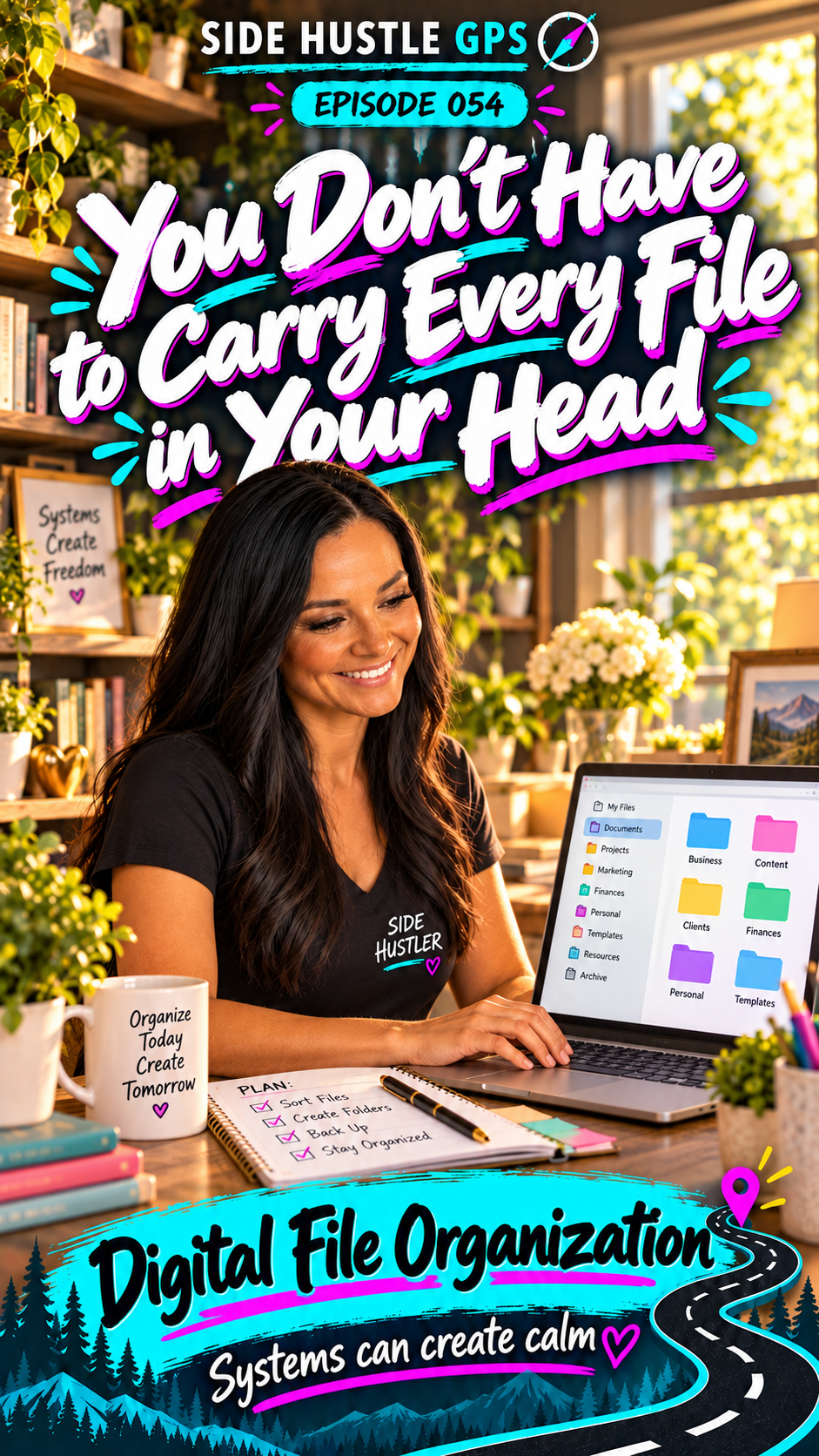
You Don’t Have to Carry Every File in Your Head
Read transcript
Have you ever looked at someone’s computer desktop and thought, “Holy moly—how do you find anything?”
Files everywhere. Pictures, downloads, documents.
I understand why people do it. Keeping something right in front of you feels convenient.
Until you have so much in front of you that you can’t find what you need.
I’m Angie Norris, and this is Side Hustle GPS.
Today, we’re stopping in Helping Hills to explore Digital File Organization.
People have called me the organized entrepreneur.
During my trainings, someone will ask for a link or a file, and I can usually pull it up quickly.
They’ll say, “How on earth did you find that so fast?”
Because I have a system.
I work with clients, presentations, graphics, logos, projects, and several brands. I have plenty of files to keep track of.
But I name things consistently and put them in folders that make sense to me.
Without that structure, I would be lost.
And helping someone create that feeling—“Wow, now I can find things”—can be a paid service.
You could help organize their downloads, documents, photos, and project folders.
Start by asking how they work.
Do they look for files by client? By project? By date?
A system that makes sense to you still needs to make sense to the person using it.
Then agree on a simple folder structure and a consistent way to name files.
You don’t need endless layers of folders. You need a clear place for things to go.
AI can help you brainstorm that structure, develop naming examples, and write a short guide the customer can follow.
You can describe the types of files without uploading their private documents.
And there’s another important part of this: helping people understand where their files are saved.
I’ve had computers die and lost access to information.
I still have a couple of external drives I’m holding on to, hoping someone can recover the photographs on them someday.
That experience is why I make a point of keeping my working files in cloud storage.
If something happens to my computer while I’m traveling—or I spill coffee on it—I want another way to access my work.
But cloud storage and a backup aren’t always the same thing. Deletions can sync, too.
Help the customer understand what’s stored, what’s backed up, and how they would recover something. Confirm important files are accessible before changing their original copies.
And don’t promise that clearing a desktop will fix a slow computer. Organization helps people find things; computer performance can have other causes.
The value here is making their digital life easier to manage.
Systems can create calm.
Your first money move?
Practice on one folder of your own—or help someone in your household with their permission.
Then offer a small project: organizing a downloads folder or setting up folders for one business project.
Agree on the scope, make a backup before changes, and get approval before deleting anything.
Finish by showing them how to find a file and save the next one.
In my neighborhood, we have a Facebook group with about 300 homes. That’s the kind of place where a clear, helpful offer could reach someone who needs it.
So, what digital mess could you help someone turn into a system?
Explore Digital File Organization in Helping Hills at SideHustleGPS.com.
You don’t have to carry every file in your head.
Give your files a place—and give yourself a little room to think.
Systems can create calm