AI Express Lane
Pinch or use the controls to zoom. Drag to pan when zoomed in.
AI Express Lane
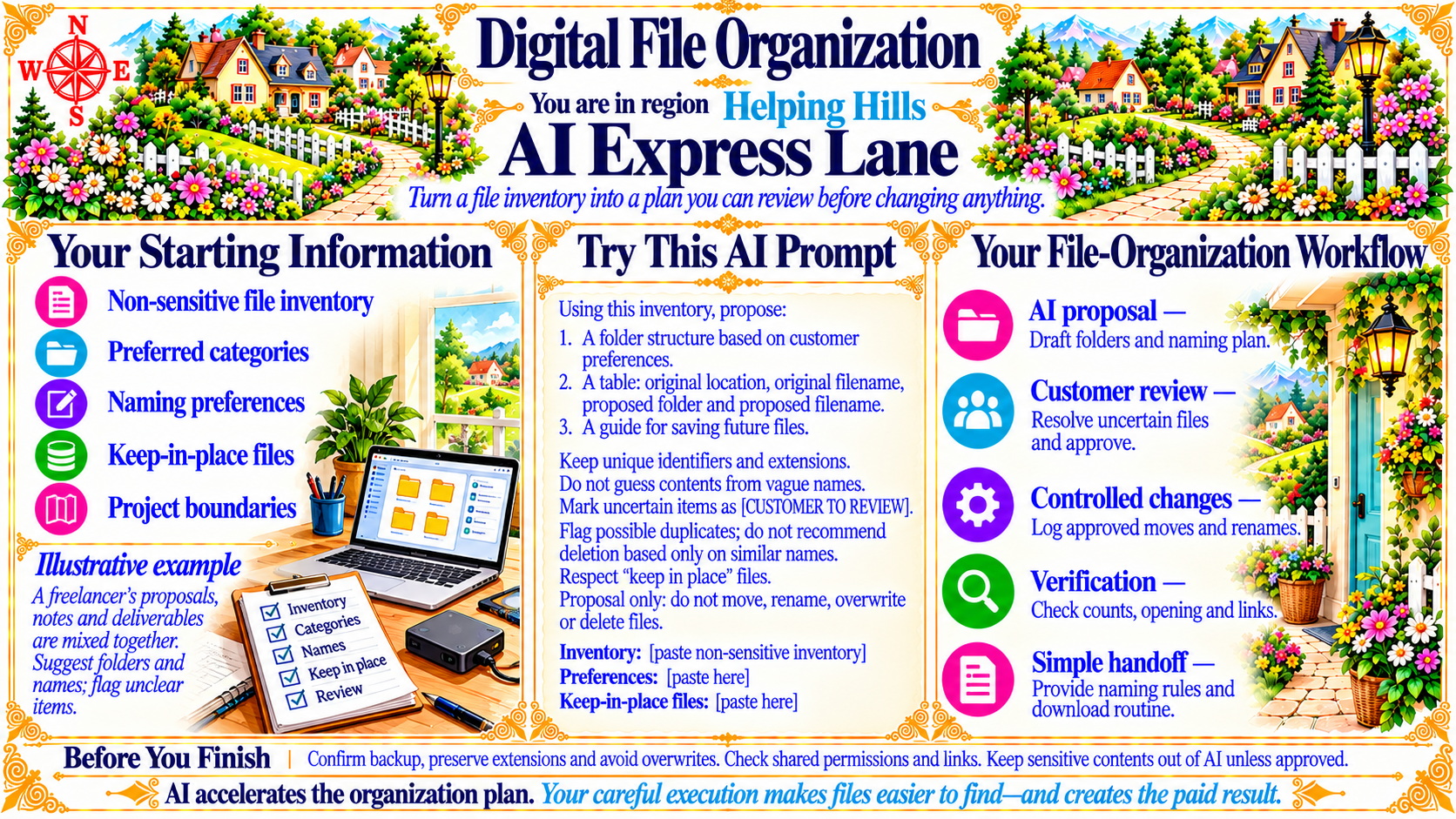
Turn a file inventory into a plan you can review before changing anything.
Source
- Original artwork, subtitle: Open original PNG
Your Starting Information
Non-sensitive file inventory
Preferred categories
Naming preferences
Keep-in-place files
Project boundaries
Source
- Original artwork, left panel: Open original PNG
ExampleIllustrative example
A freelancer’s proposals, notes and deliverables are mixed together. Suggest folders and names; flag unclear items.
Source
- Original artwork, left panel: Open original PNG
Your File-Organization Workflow
AI proposal — Draft folders and naming plan.
Customer review — Resolve uncertain files and approve.
Controlled changes — Log approved moves and renames.
Verification — Check counts, opening and links.
Simple handoff — Provide naming rules and download routine.
Source
- Original artwork, right panel: Open original PNG
CheckBefore You Finish
Confirm backup, preserve extensions and avoid overwrites. Check shared permissions and links. Keep sensitive contents out of AI unless approved.
Source
- Original artwork, bottom strip: Open original PNG
Try This Prompt
Source
- Original artwork, Try This AI Prompt: Open original PNG