Detours
Angie's LandmarksRoadside Wisdom
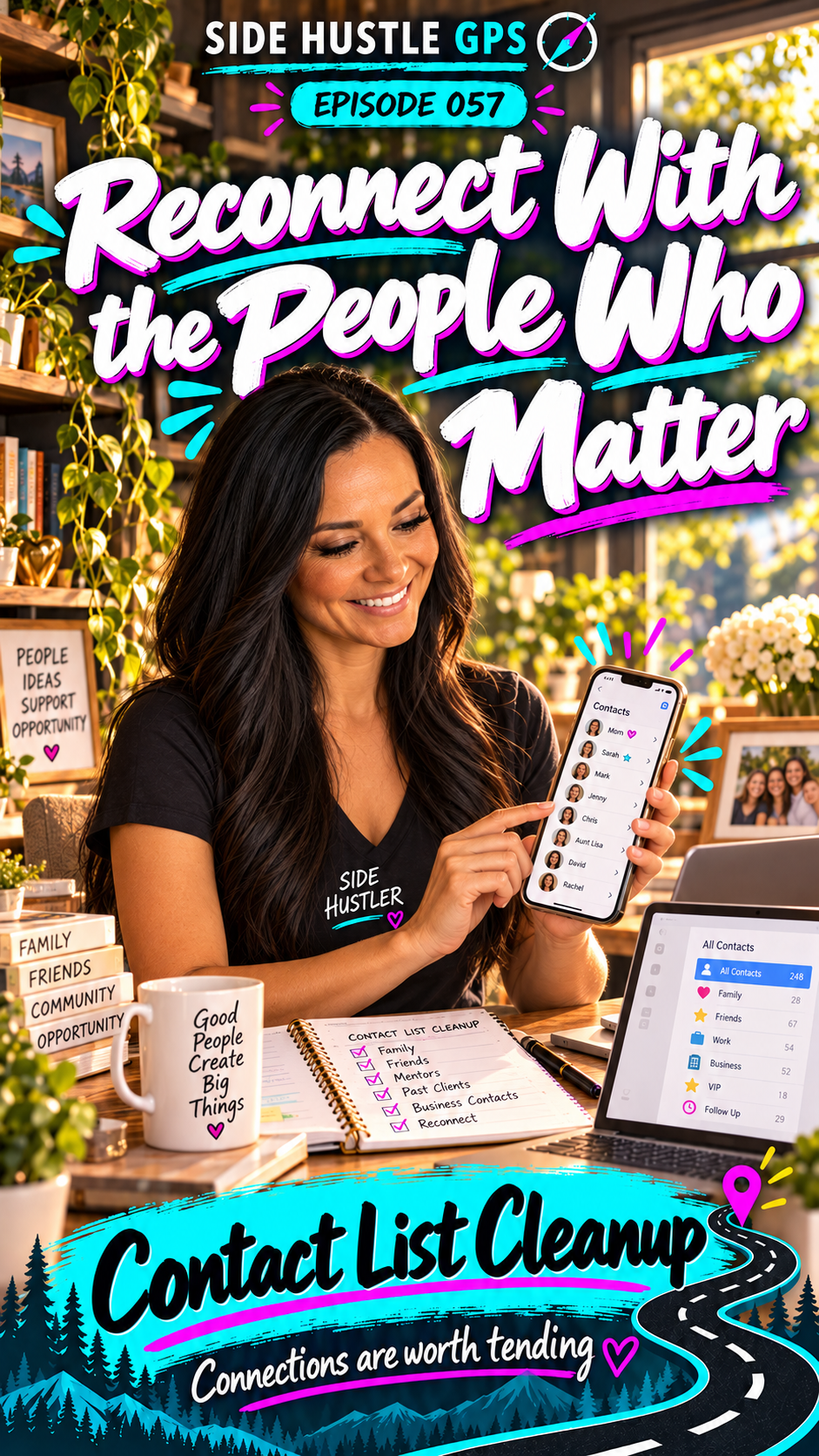
Reconnect With the People Who Matter
Read transcript
Have you ever texted someone and received this reply?
“Sorry, you have the wrong number.”
That happened to me.
More than once.
And the embarrassing part? I kept messaging the same wrong number.
I’m Angie Norris, and this is Side Hustle GPS.
Today, we’re stopping in Helping Hills to explore Contact List Cleanup.
I looked up this person in my phone and realized I had multiple numbers saved for them.
I couldn’t tell which was current and which was the wrong one.
So the next time I wanted to message them, I made the same mistake again.
Eventually, I realized I needed to clean up my contacts.
Once I sorted out the duplicates and corrected the information, it stopped happening.
I just wished I’d done it sooner!
Technology can be our best friend. But when the information inside it gets messy, it can feel like it’s working against us.
And helping someone untangle that mess can be a useful paid service.
Contacts can be scattered across a phone, tablet, computer, email account, and business tools.
Some records are duplicates. Others have an old number, an outdated email address, or barely enough information to remember who the person is.
You can help bring some order to that.
Start by asking where the customer keeps their contacts and which account they want to use going forward.
Then review possible duplicates, confirm current details, and organize the information in a way they understand.
Don’t assume two people with the same name are the same person. And when you combine records, make sure useful notes and details aren’t lost.
The goal is to make the right person easier to find.
You can also teach the customer how to make their contacts more useful.
Depending on their device and app, that might include birthdays, mailing addresses, profile photos, custom ringtones, groups, or notes about how they know someone.
Imagine finding a contact and seeing, “We met at the conference. She asked about my workshop.”
Now you have context for the next conversation.
Or having a family member’s address ready when you want to mail a card.
Those little details help us stay connected.
Connections are worth tending.
AI can help you plan a cleanup checklist or suggest a consistent way to organize entries. Some contact tools can also flag possible duplicates.
But review suggestions carefully, and only use someone’s private contact information in tools they’ve approved.
Before making changes, create a backup or export where possible. If contacts sync across devices, understand which account you’re changing so the cleanup behaves as expected.
Then show the customer how to maintain it.
Your first money move?
Practice on your own contact list.
Fix a few duplicates, update information you can confirm, and learn how to back up and restore your contacts.
Then offer a small cleanup session to someone you know.
Agree on the device or account, the number of contacts you’ll review, and the changes they want help making.
You can also include a short lesson on adding useful details to new contacts.
So, whose number have you been meaning to update—and what connection would be easier to maintain if your information were organized?
Explore Contact List Cleanup in Helping Hills at SideHustleGPS.com.
Reconnect with the people who matter.
Sometimes, taking care of a relationship starts with making sure you have the right number.
Connections are worth tending