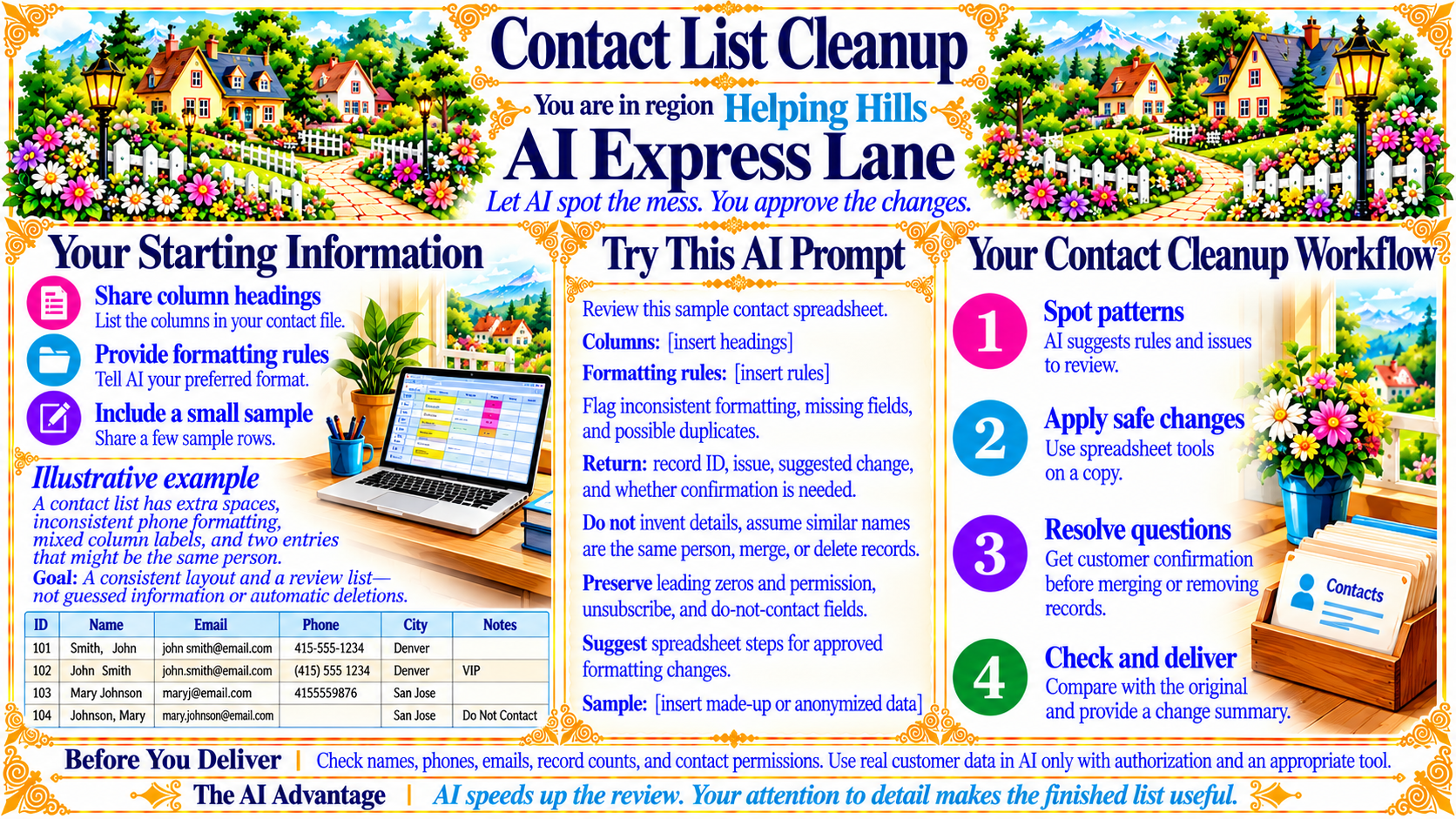
AI Express Lane
Pinch or use the controls to zoom. Drag to pan when zoomed in.
AI Express Lane
Let AI spot the mess. You approve the changes.
Source
- Original artwork, subtitle: Open original PNG
Your Starting Information
Share column headings
List the columns in your contact file.
Provide formatting rules
Tell AI your preferred format.
Include a small sample
Share a few sample rows.
Illustrative example
A contact list has extra spaces, inconsistent phone formatting, mixed column labels, and two entries that might be the same person.
Goal: A consistent layout and a review list—not guessed information or automatic deletions.
Source
- Original artwork, labelled panel: Open original PNG
Your Contact Cleanup Workflow
Spot patterns
AI suggests rules and issues to review.
Apply safe changes
Use spreadsheet tools on a copy.
Resolve questions
Get customer confirmation before merging or removing records.
Check and deliver
Compare with the original and provide a change summary.
Source
- Original artwork, labelled panel: Open original PNG
CheckBefore You Deliver
Check names, phones, emails, record counts, and contact permissions. Use real customer data in AI only with authorization and an appropriate tool.
Source
- Original artwork, labelled panel: Open original PNG
CheckThe AI Advantage
AI speeds up the review. Your attention to detail makes the finished list useful.
Source
- Original artwork, labelled panel: Open original PNG
Try This Prompt
Source
- Original artwork, Try This AI Prompt: Open original PNG