Get Directions
Pinch or use the controls to zoom. Drag to pan when zoomed in.
Get Directions
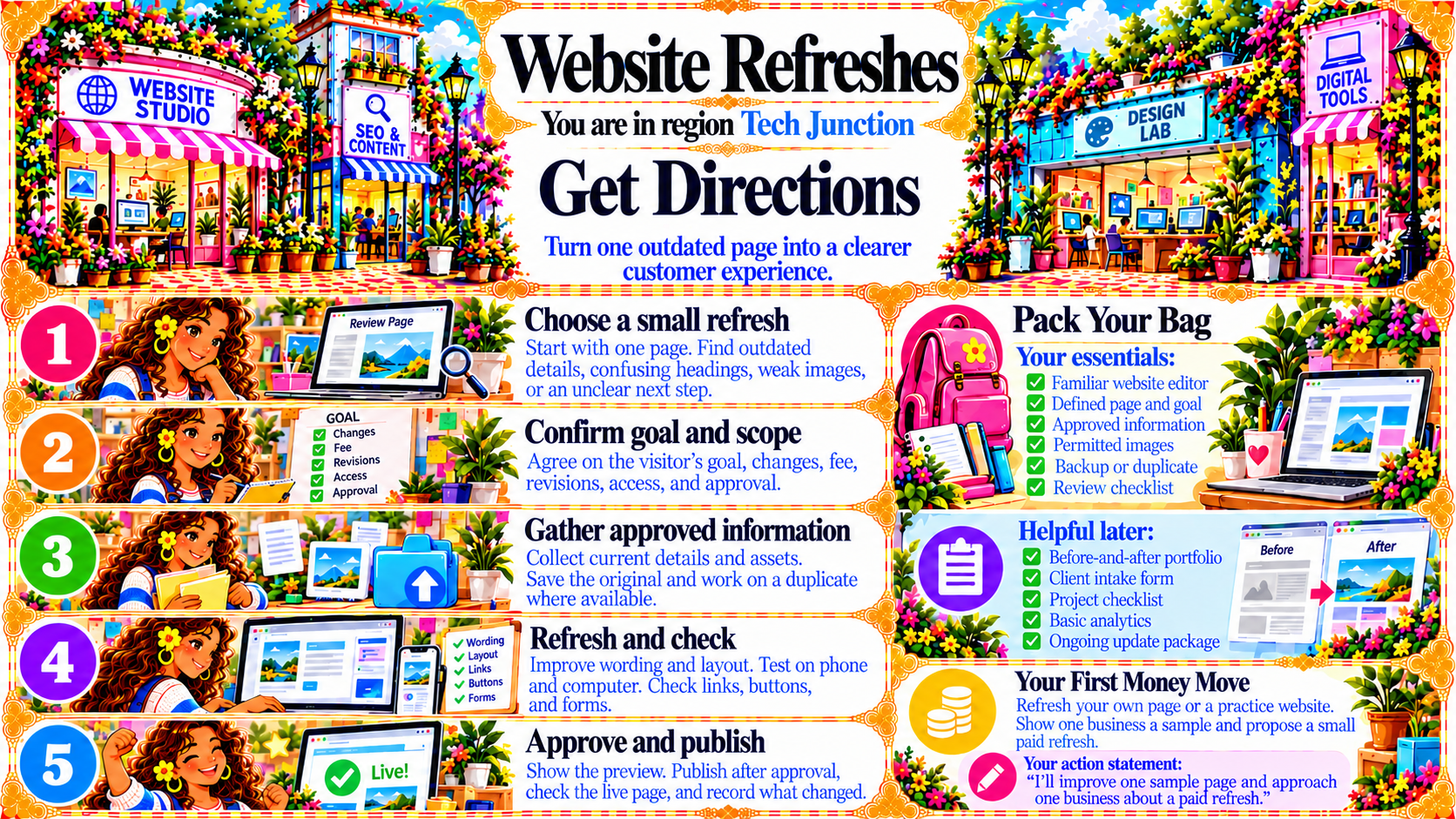
StepChoose a small refresh
Start with one page. Find outdated details, confusing headings, weak images, or an unclear next step.
Source
- Original artwork, Step 1: Open original PNG
StepConfirm goal and scope
Agree on the visitor’s goal, changes, fee, revisions, access, and approval.
Source
- Original artwork, Step 2: Open original PNG
StepGather approved information
Collect current details and assets.
Save the original and work on a duplicate where available.
Source
- Original artwork, Step 3: Open original PNG
StepRefresh and check
Improve wording and layout. Test on phone and computer. Check links, buttons, and forms.
Source
- Original artwork, Step 4: Open original PNG
StepApprove and publish
Show the preview. Publish after approval, check the live page, and record what changed.
Source
- Original artwork, Step 5: Open original PNG