Get Directions
Pinch or use the controls to zoom. Drag to pan when zoomed in.
Get Directions
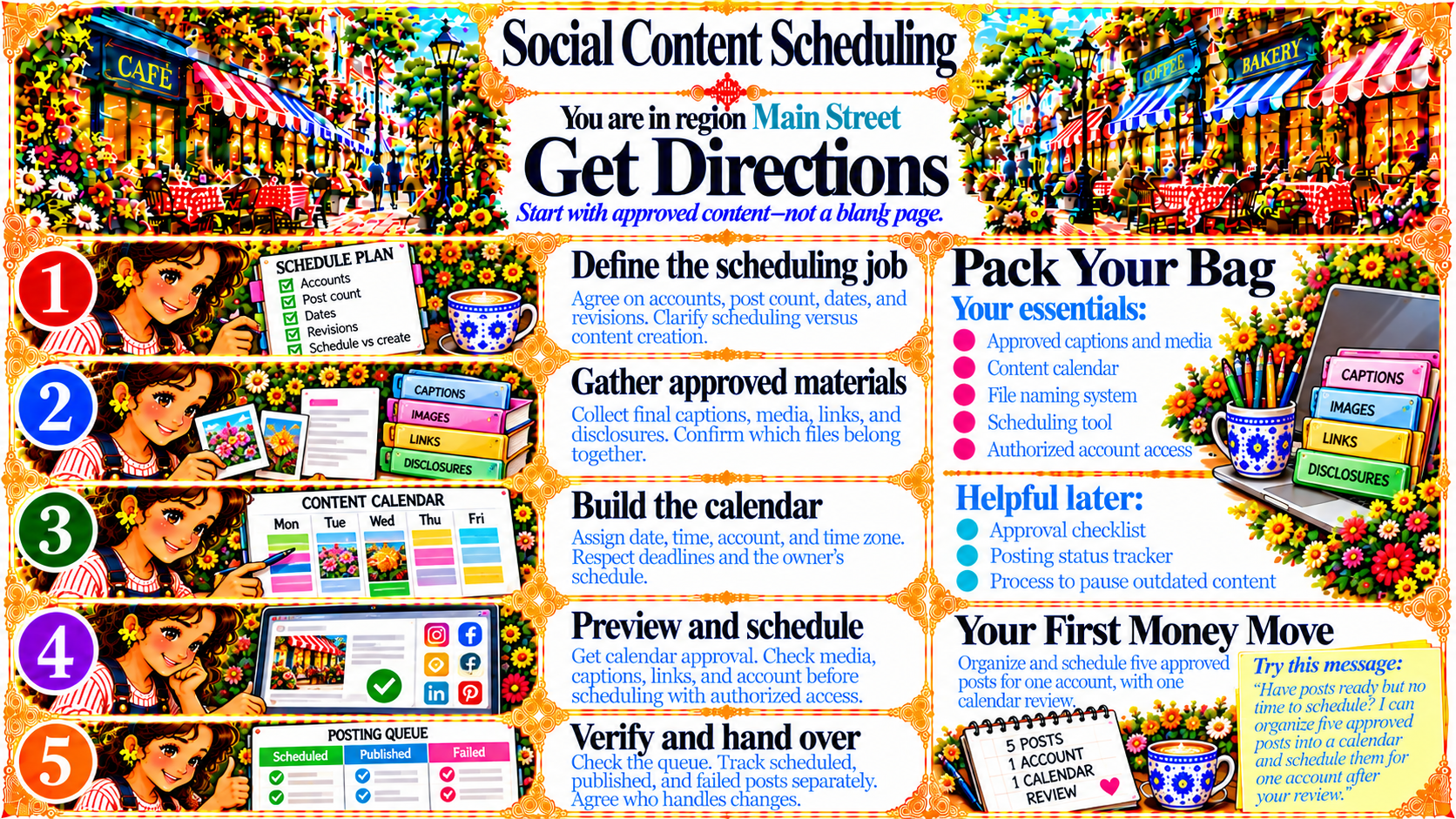
StepDefine the scheduling job
Agree on accounts, post count, dates, and revisions. Clarify scheduling versus content creation.
Source
- Original artwork, Step 1: Open original PNG
StepGather approved materials
Collect final captions, media, links, and disclosures. Confirm which files belong together.
Source
- Original artwork, Step 2: Open original PNG
StepBuild the calendar
Assign date, time, account, and time zone. Respect deadlines and the owner’s schedule.
Source
- Original artwork, Step 3: Open original PNG
StepPreview and schedule
Get calendar approval. Check media, captions, links, and account before scheduling with authorized access.
Source
- Original artwork, Step 4: Open original PNG
StepVerify and hand over
Check the queue. Track scheduled, published, and failed posts separately. Agree who handles changes.
Source
- Original artwork, Step 5: Open original PNG