AI Express Lane
Pinch or use the controls to zoom. Drag to pan when zoomed in.
AI Express Lane
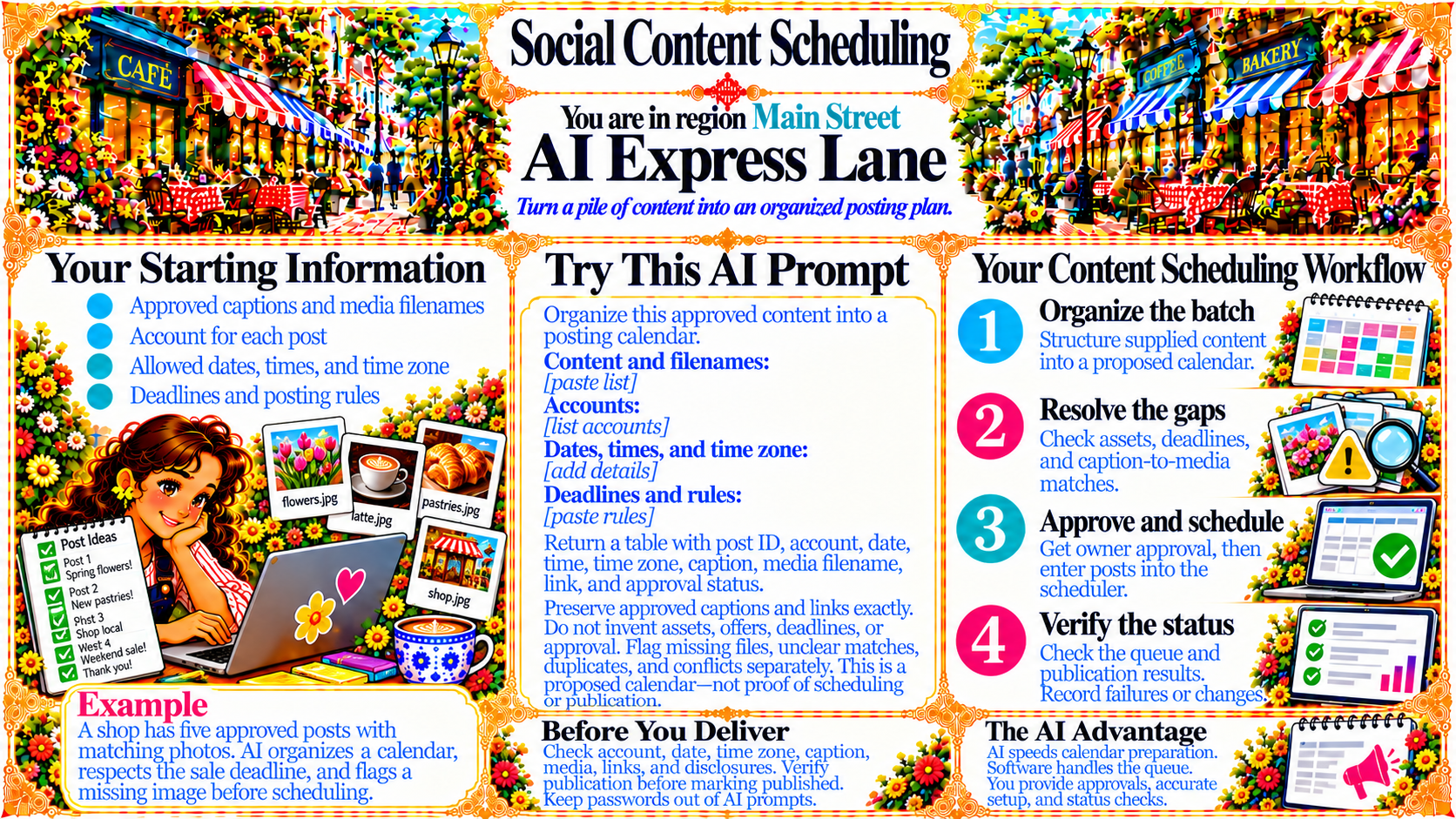
Turn a pile of content into an organized posting plan.
Source
- Original artwork, subtitle: Open original PNG
Your Starting Information
Approved captions and media filenames
Account for each post
Allowed dates, times, and time zone
Deadlines and posting rules
Source
- Original artwork, left panel: Open original PNG
Your Content Scheduling Workflow
1. Organize the batch — Structure supplied content into a proposed calendar.
2. Resolve the gaps — Check assets, deadlines, and caption-to-media matches.
3. Approve and schedule — Get owner approval, then enter posts into the scheduler.
4. Verify the status — Check the queue and publication results. Record failures or changes.
Source
- Original artwork, right panel: Open original PNG
ExampleExample
A shop has five approved posts with matching photos. AI organizes a calendar, respects the sale deadline, and flags a missing image before scheduling.
Source
- Original artwork, bottom-left example panel: Open original PNG
CheckBefore You Deliver
Check account, date, time zone, caption, media, links, and disclosures. Verify publication before marking published. Keep passwords out of AI prompts.
Source
- Original artwork, bottom-center reminder panel: Open original PNG
CheckThe AI Advantage
AI speeds calendar preparation.
Software handles the queue.
You provide approvals, accurate setup, and status checks.
Source
- Original artwork, bottom-right reminder panel: Open original PNG
Try This Prompt
Source
- Original artwork, center prompt panel: Open original PNG