Get Directions
Pinch or use the controls to zoom. Drag to pan when zoomed in.
Get Directions
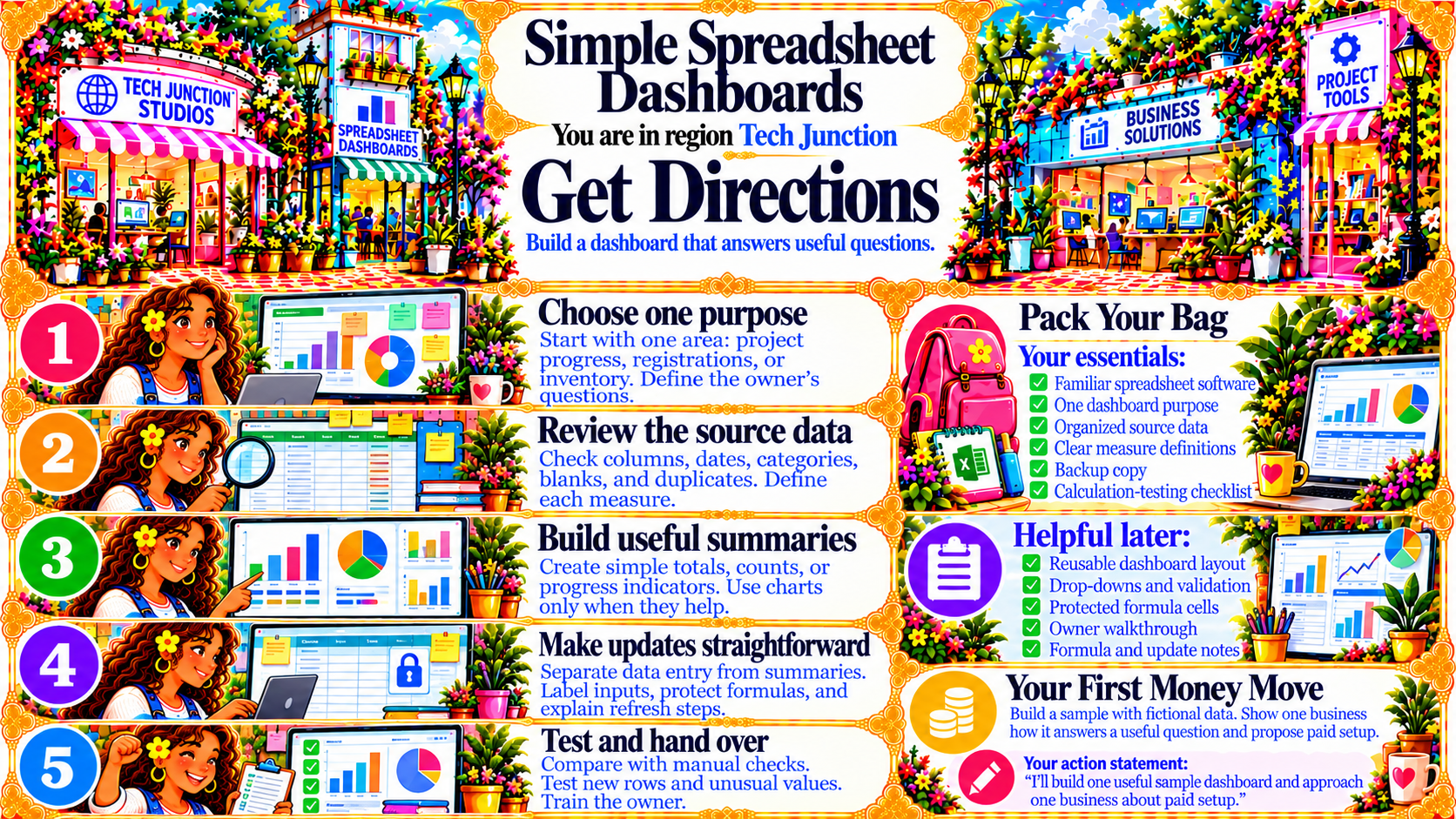
StepChoose one purpose
Start with one area: project progress, registrations, or inventory. Define the owner’s questions.
Source
- Original artwork, Step 1: Open original PNG
StepReview the source data
Check columns, dates, categories, blanks, and duplicates. Define each measure.
Source
- Original artwork, Step 2: Open original PNG
StepBuild useful summaries
Create simple totals, counts, or progress indicators. Use charts only when they help.
Source
- Original artwork, Step 3: Open original PNG
StepMake updates straightforward
Separate data entry from summaries. Label inputs, protect formulas, and explain refresh steps.
Source
- Original artwork, Step 4: Open original PNG
StepTest and hand over
Compare with manual checks.
Test new rows and unusual values.
Train the owner.
Source
- Original artwork, Step 5: Open original PNG