Detours
Angie's LandmarksRoadside Wisdom
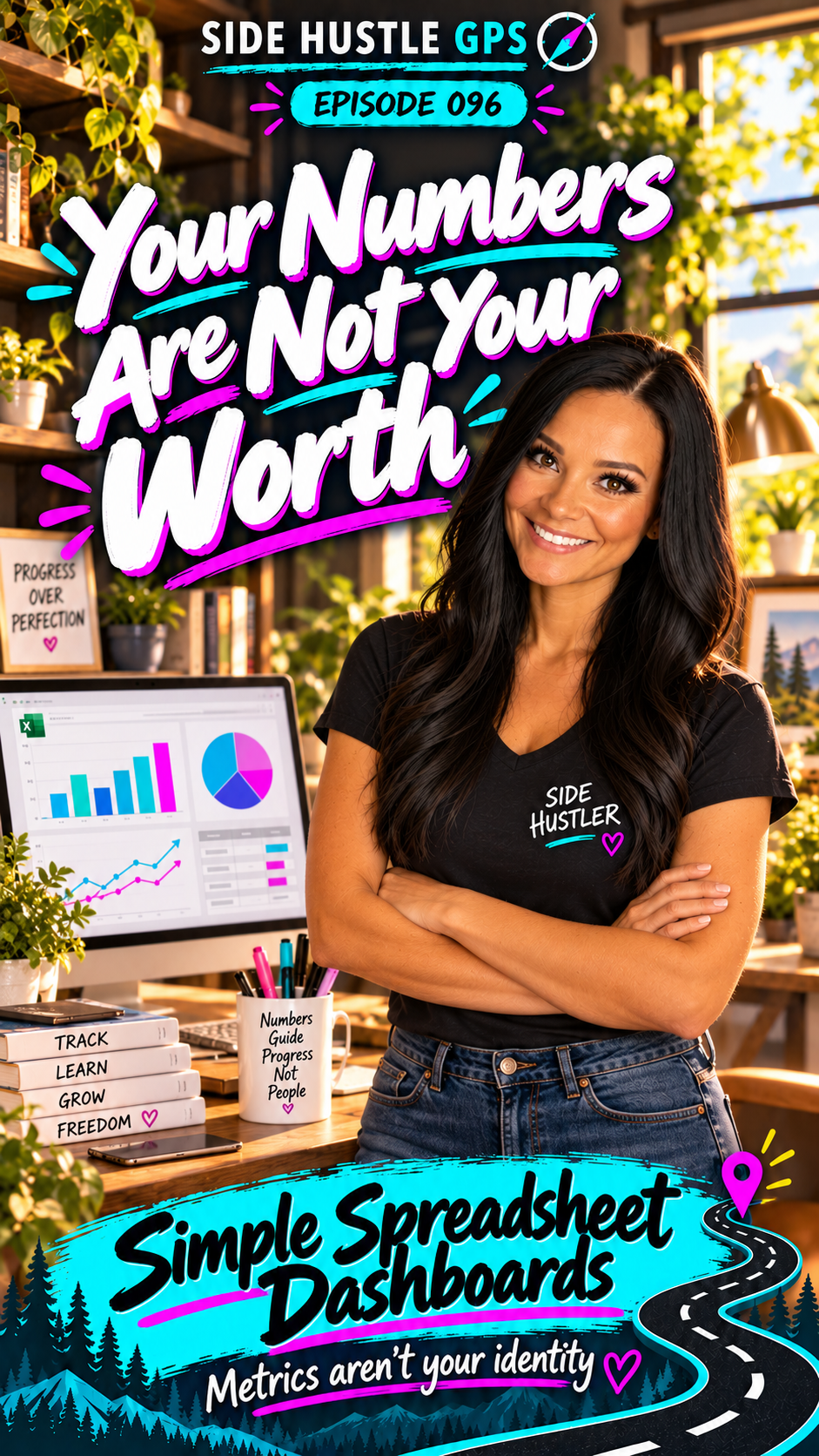
Your Numbers Are Not Your Worth
Read transcript
I once suggested starting a new project, and my friend rolled her eyes.
She said, “My husband can’t do anything until he starts a spreadsheet.”
And I laughed, because honestly? I understood her husband.
I have a spreadsheet for just about everything.
I’m Angie Norris, and this is Side Hustle GPS.
Today, we’re stopping in Tech Junction to explore Simple Spreadsheet Dashboards.
For me, a spreadsheet gives an idea somewhere to become organized.
I keep them in Google Sheets, inside the folder where that project lives, or linked through my project management system so I can find them.
I use them for affiliate commissions, reselling inventory, business sales, client projects, content performance, and event registrations.
I even keep mailing addresses for family, friends, and colleagues in a spreadsheet so I can use them for mail merges.
But a dashboard takes that information a step further.
It helps you see what’s happening without digging through every row.
How much did we sell? What’s still in inventory? Which projects are overdue? How close are we to our registration goal?
Those are questions people need answered.
And helping them find those answers can become a side hustle.
Someone might already have the information but struggle to make sense of it.
They open their spreadsheet, see all those columns, and think, “I know something useful is in here. I just don’t know where to look.”
You can help turn that into a clear overview.
And it doesn’t have to be complicated.
A useful dashboard might show three to five important numbers and one simple chart.
Start with the question the person wants to answer.
For a reseller, that might be how much profit they’re making after expenses.
For an event organizer, it might be registrations, remaining capacity, and money collected.
For a consultant, it might be active projects and upcoming deadlines.
You can use AI to help plan the layout, suggest formulas, create dropdown instructions, and explain conditional formatting.
That could mean highlighting an overdue task or showing progress toward a goal.
Give it the column names and describe what the client needs to understand. You can use sample data while you work out the structure.
Then check the calculations against the original information.
A beautiful chart still needs accurate numbers behind it.
I’ve also used more advanced setups that connect email information with spreadsheets and automation.
Those workflows have helped organize messages, summarize longer emails, flag priorities, and prepare draft responses for me to review.
That involves additional tools and connections, but it shows how a simple spreadsheet can become part of a bigger system.
You don’t need to start there.
You can offer a custom dashboard, teach someone how to use their spreadsheet, or create reusable templates to sell.
The value is helping someone understand their information and decide what to do next.
And that brings me to something I want you to remember.
Your numbers are not your worth.
A slow month might tell you to adjust an offer, follow up with customers, or look more closely at expenses.
It doesn’t get to decide who you are.
Your first money move?
Find one person with an existing spreadsheet and ask, “What do you wish this could show you at a glance?”
Offer a clearly priced dashboard with the numbers they need and a walkthrough of how to update it.
So, whose information could you help make easier to understand?
Explore Simple Spreadsheet Dashboards in Tech Junction at SideHustleGPS.com.
Use the numbers to guide your next move.
Metrics aren’t your identity.
Metrics aren't your identity