AI Express Lane
Pinch or use the controls to zoom. Drag to pan when zoomed in.
AI Express Lane
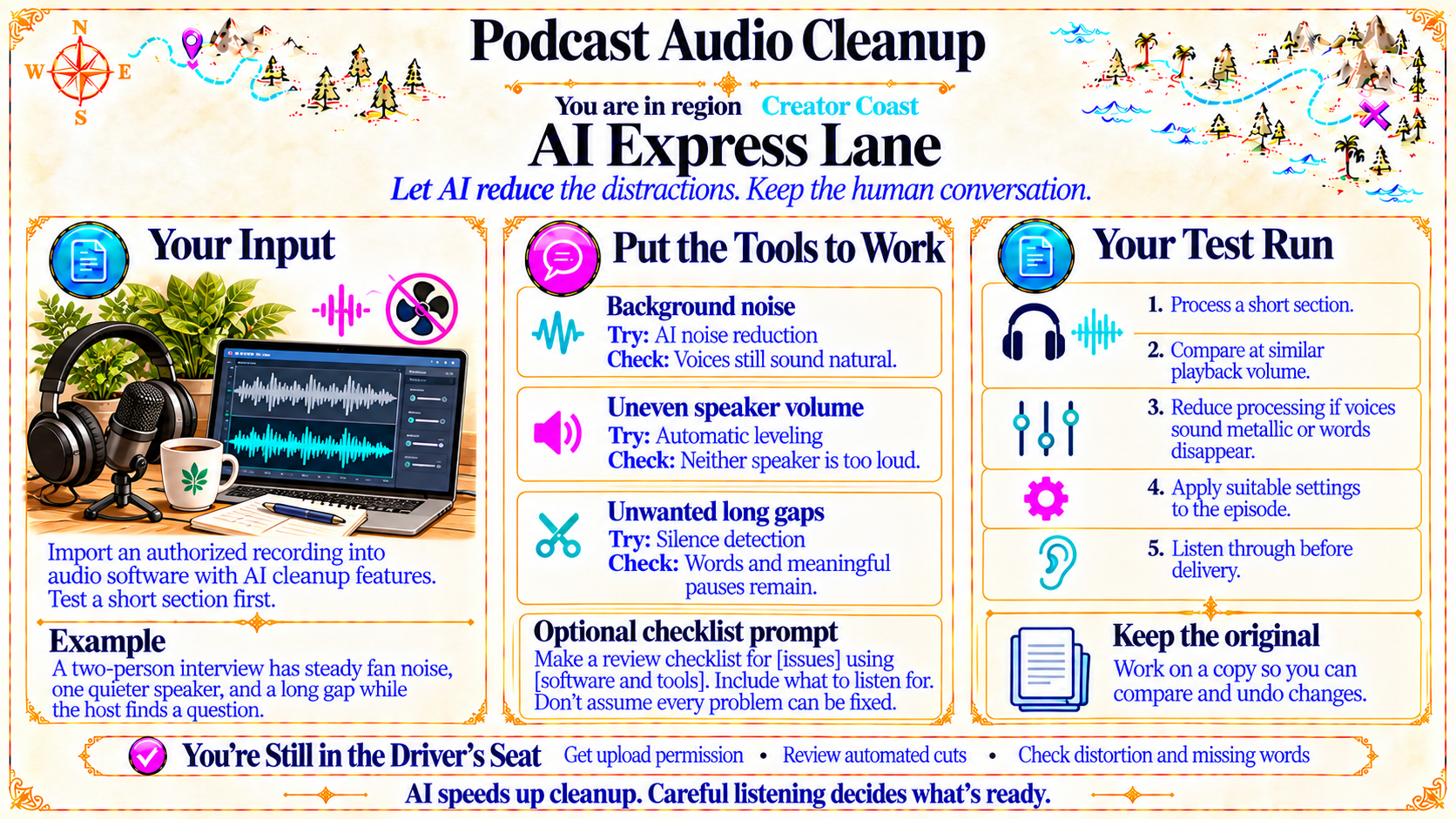
Let AI reduce the distractions. Keep the human conversation.
Source
- Original artwork, subtitle: Open original PNG
Your Input
Import an authorized recording into audio software with AI cleanup features. Test a short section first.
Source
- Original artwork, left panel: Open original PNG
ExampleExample
A two-person interview has steady fan noise, one quieter speaker, and a long gap while the host finds a question.
Source
- Original artwork, left panel: Open original PNG
Put the Tools to Work
Background noise
Try: AI noise reduction
Check: Voices still sound natural.
Uneven speaker volume
Try: Automatic leveling
Check: Neither speaker is too loud.
Unwanted long gaps
Try: Silence detection
Check: Words and meaningful pauses remain.
Source
- Original artwork, center panel: Open original PNG
Your Test Run
1. Process a short section.
2. Compare at similar playback volume.
3. Reduce processing if voices sound metallic or words disappear.
4. Apply suitable settings to the episode.
5. Listen through before delivery.
Source
- Original artwork, right panel: Open original PNG
CheckKeep the original
Work on a copy so you can compare and undo changes.
Source
- Original artwork, right panel: Open original PNG
CheckYou're Still in the Driver's Seat
Get upload permission
Review automated cuts
Check distortion and missing words
Source
- Original artwork, bottom reminder strip: Open original PNG
Try This Prompt
Source
- Original artwork, Optional checklist prompt: Open original PNG