Get Directions
Pinch or use the controls to zoom. Drag to pan when zoomed in.
Get Directions
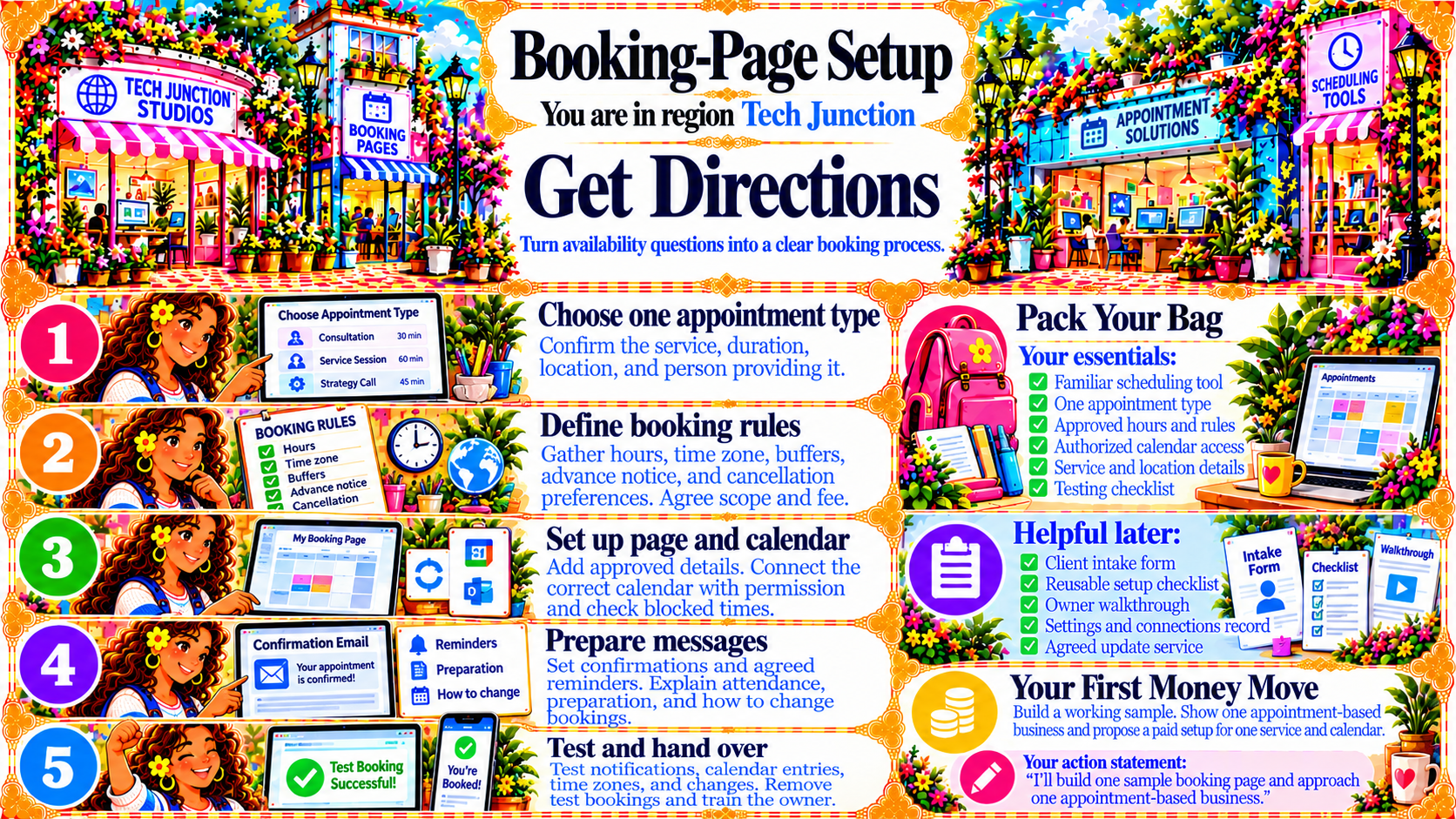
StepChoose one appointment type
Confirm the service, duration, location, and person providing it.
Source
- Original artwork, Step 1: Open original PNG
StepDefine booking rules
Gather hours, time zone, buffers, advance notice, and cancellation preferences. Agree scope and fee.
Source
- Original artwork, Step 2: Open original PNG
StepSet up page and calendar
Add approved details. Connect the correct calendar with permission and check blocked times.
Source
- Original artwork, Step 3: Open original PNG
StepPrepare messages
Set confirmations and agreed reminders. Explain attendance, preparation, and how to change bookings.
Source
- Original artwork, Step 4: Open original PNG
StepTest and hand over
Test notifications, calendar entries, time zones, and changes. Remove test bookings and train the owner.
Source
- Original artwork, Step 5: Open original PNG