AI Express Lane
Pinch or use the controls to zoom. Drag to pan when zoomed in.
AI Express Lane
Let AI handle repetitive edits while you shape the story.
Source
- Original artwork, subtitle: Open original PNG
Your Input
Authorized footage
One clear goal
Intended viewer
Target format
Source
- Original artwork, left panel: Open original PNG
ExampleExample
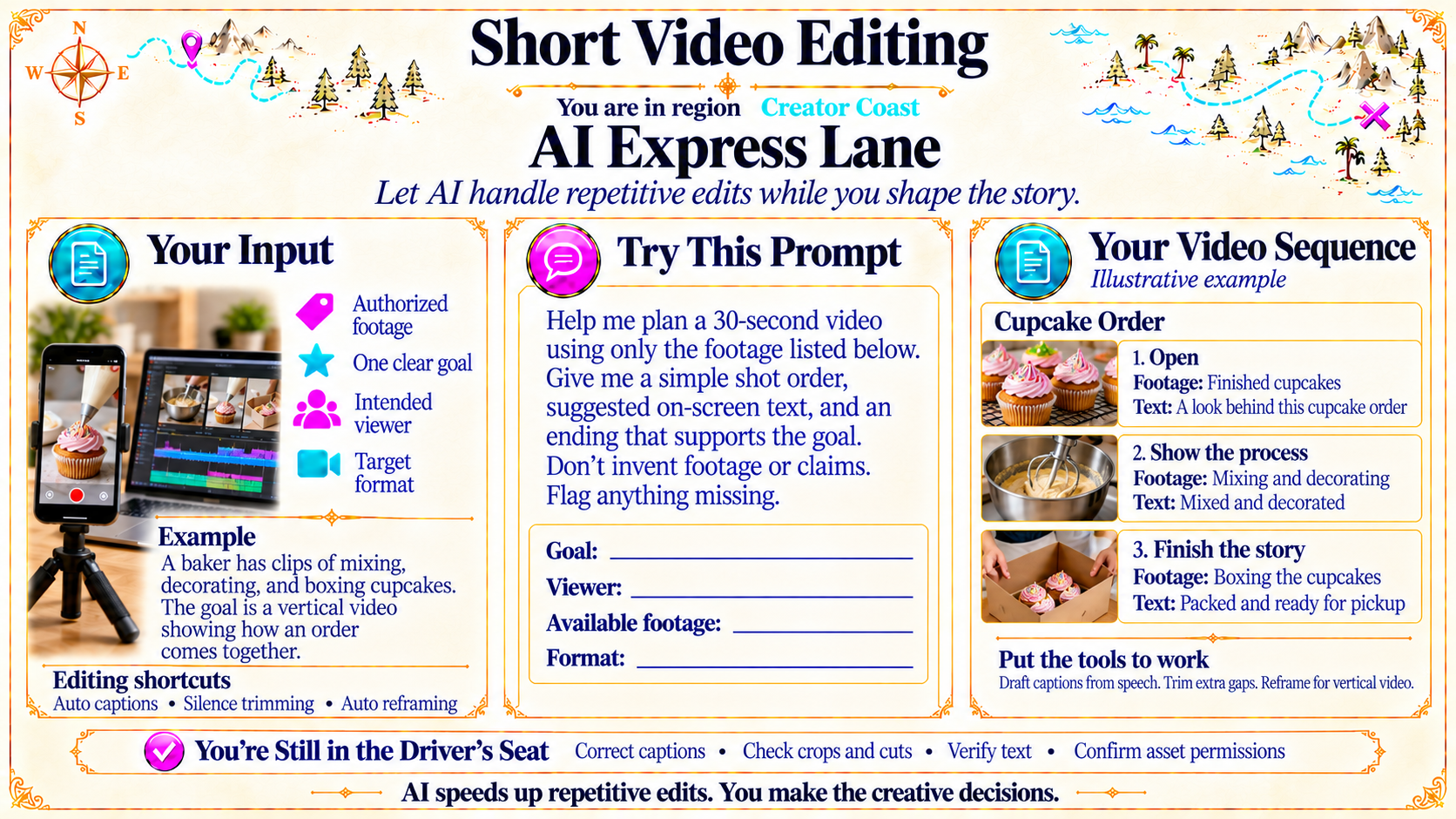
A baker has clips of mixing, decorating, and boxing cupcakes. The goal is a vertical video showing how an order comes together.
Editing shortcuts: Auto captions • Silence trimming • Auto reframing
Source
- Original artwork, left panel example section: Open original PNG
ExampleYour Video Sequence
Illustrative example
Cupcake Order
1. Open
Footage: Finished cupcakes
Text: A look behind this cupcake order
2. Show the process
Footage: Mixing and decorating
Text: Mixed and decorated
3. Finish the story
Footage: Boxing the cupcakes
Text: Packed and ready for pickup
Put the tools to work
Draft captions from speech. Trim extra gaps. Reframe for vertical video.
Source
- Original artwork, right panel: Open original PNG
CheckYou’re Still in the Driver’s Seat
Correct captions • Check crops and cuts • Verify text • Confirm asset permissions
AI speeds up repetitive edits. You make the creative decisions.
Source
- Original artwork, bottom verification banner: Open original PNG
Try This Prompt
Source
- Original artwork, Try This Prompt: Open original PNG