AI Express Lane
Pinch or use the controls to zoom. Drag to pan when zoomed in.
AI Express Lane
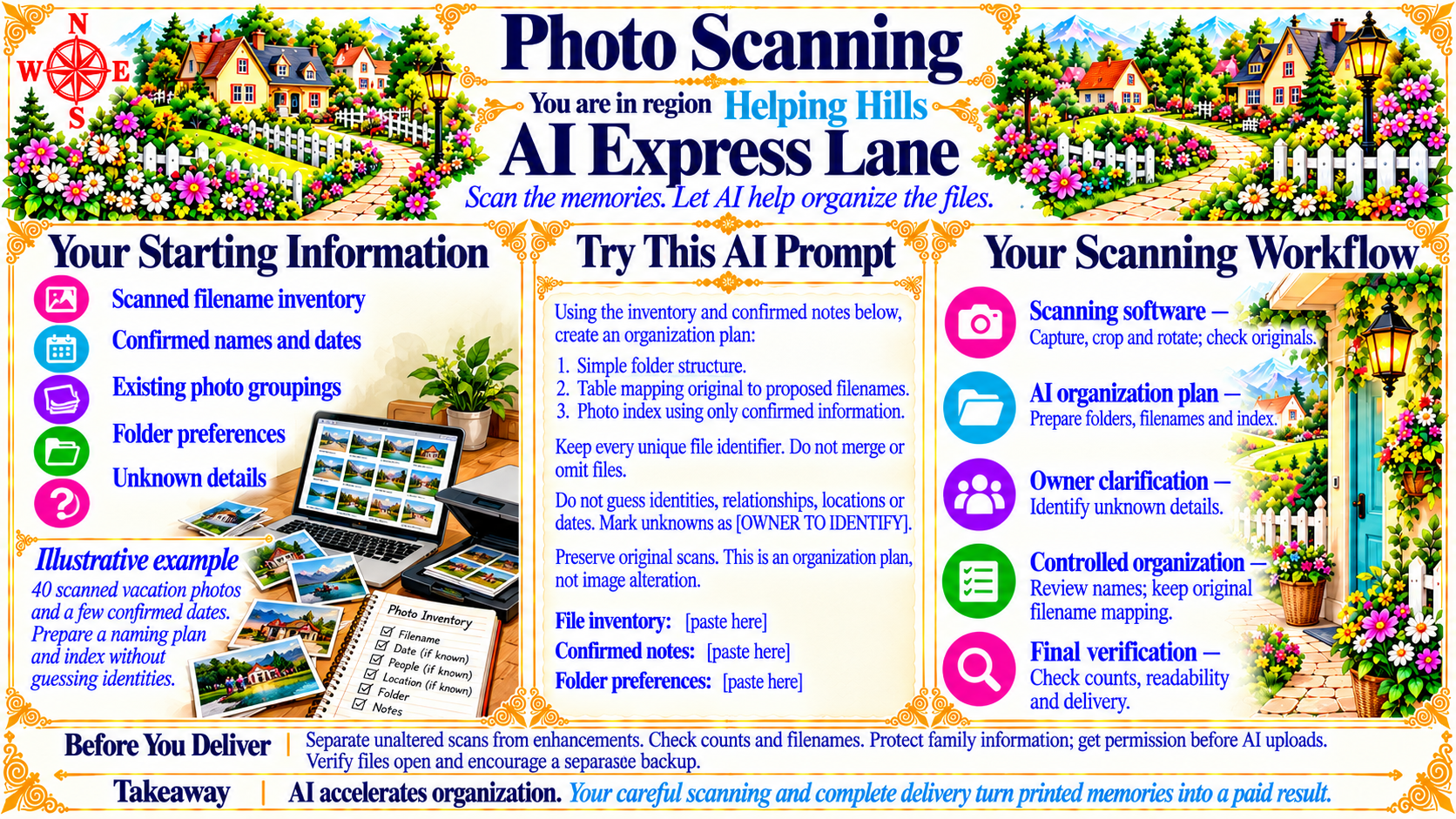
Scan the memories. Let AI help organize the files.
Source
- Original artwork, subtitle: Open original PNG
Your Starting Information
Scanned filename inventory
Confirmed names and dates
Existing photo groupings
Folder preferences
Unknown details
Source
- Original artwork, left panel: Open original PNG
ExampleIllustrative example
40 scanned vacation photos and a few confirmed dates. Prepare a naming plan and index without guessing identities.
Source
- Original artwork, left panel example: Open original PNG
Your Scanning Workflow
Scanning software — Capture, crop and rotate; check originals.
AI organization plan — Prepare folders, filenames and index.
Owner clarification — Identify unknown details.
Controlled organization — Review names; keep original filename mapping.
Final verification — Check counts, readability and delivery.
Source
- Original artwork, right panel: Open original PNG
CheckBefore You Deliver
Separate unaltered scans from enhancements. Check counts and filenames. Protect family information; get permission before AI uploads. Verify files open and encourage a separate backup.
Source
- Original artwork, bottom reminder panel: Open original PNG
Takeaway
AI accelerates organization. Your careful scanning and complete delivery turn printed memories into a paid result.
Source
- Original artwork, bottom takeaway panel: Open original PNG
Try This Prompt
Source
- Original artwork, center prompt panel: Open original PNG