AI Express Lane
Pinch or use the controls to zoom. Drag to pan when zoomed in.
AI Express Lane
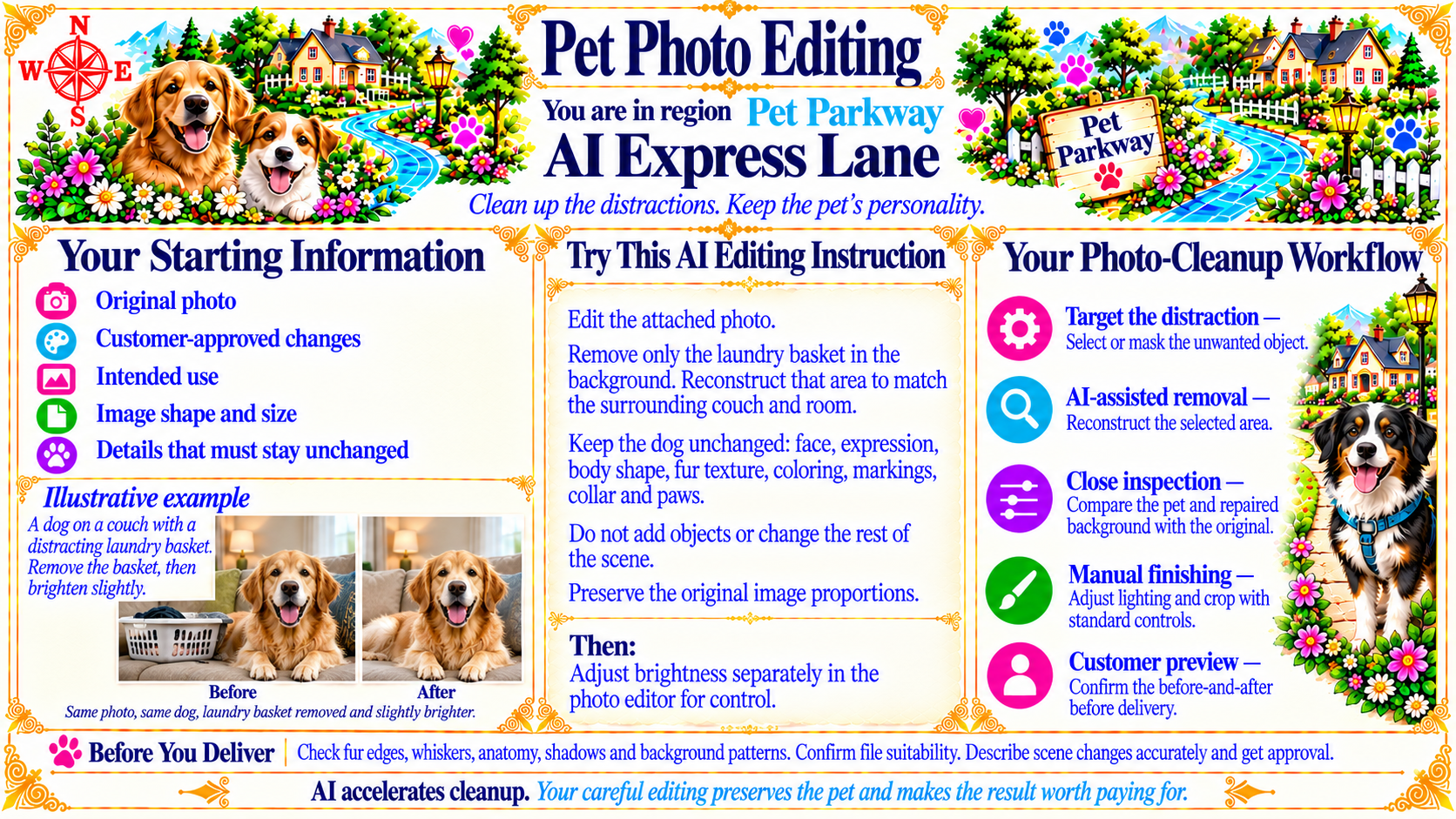
Clean up the distractions. Keep the pet’s personality.
Source
- Original artwork, subtitle: Open original PNG
Your Starting Information
Original photo
Customer-approved changes
Intended use
Image shape and size
Details that must stay unchanged
Source
- Original artwork, left panel: Open original PNG
Try This AI Editing Instruction
Edit the attached photo.
Remove only the laundry basket in the background. Reconstruct that area to match the surrounding couch and room.
Keep the dog unchanged: face, expression, body shape, fur texture, coloring, markings, collar and paws.
Do not add objects or change the rest of the scene.
Preserve the original image proportions.
Then:
Adjust brightness separately in the photo editor for control.
Source
- Original artwork, center prompt panel: Open original PNG
Your Photo-Cleanup Workflow
Target the distraction — Select or mask the unwanted object.
AI-assisted removal — Reconstruct the selected area.
Close inspection — Compare the pet and repaired background with the original.
Manual finishing — Adjust lighting and crop with standard controls.
Customer preview — Confirm the before-and-after before delivery.
Source
- Original artwork, right panel: Open original PNG
ExampleIllustrative example
A dog on a couch with a distracting laundry basket. Remove the basket, then brighten slightly.
Before
Same photo, same dog, laundry basket removed and slightly brighter.
After
Source
- Original artwork, lower left example panel: Open original PNG
CheckBefore You Deliver
Check fur edges, whiskers, anatomy, shadows and background patterns. Confirm file suitability. Describe scene changes accurately and get approval.
Source
- Original artwork, bottom reminder bar: Open original PNG
Try This Prompt
Source
- Original artwork, Try This AI Editing Instruction: Open original PNG