AI Express Lane
Pinch or use the controls to zoom. Drag to pan when zoomed in.
AI Express Lane
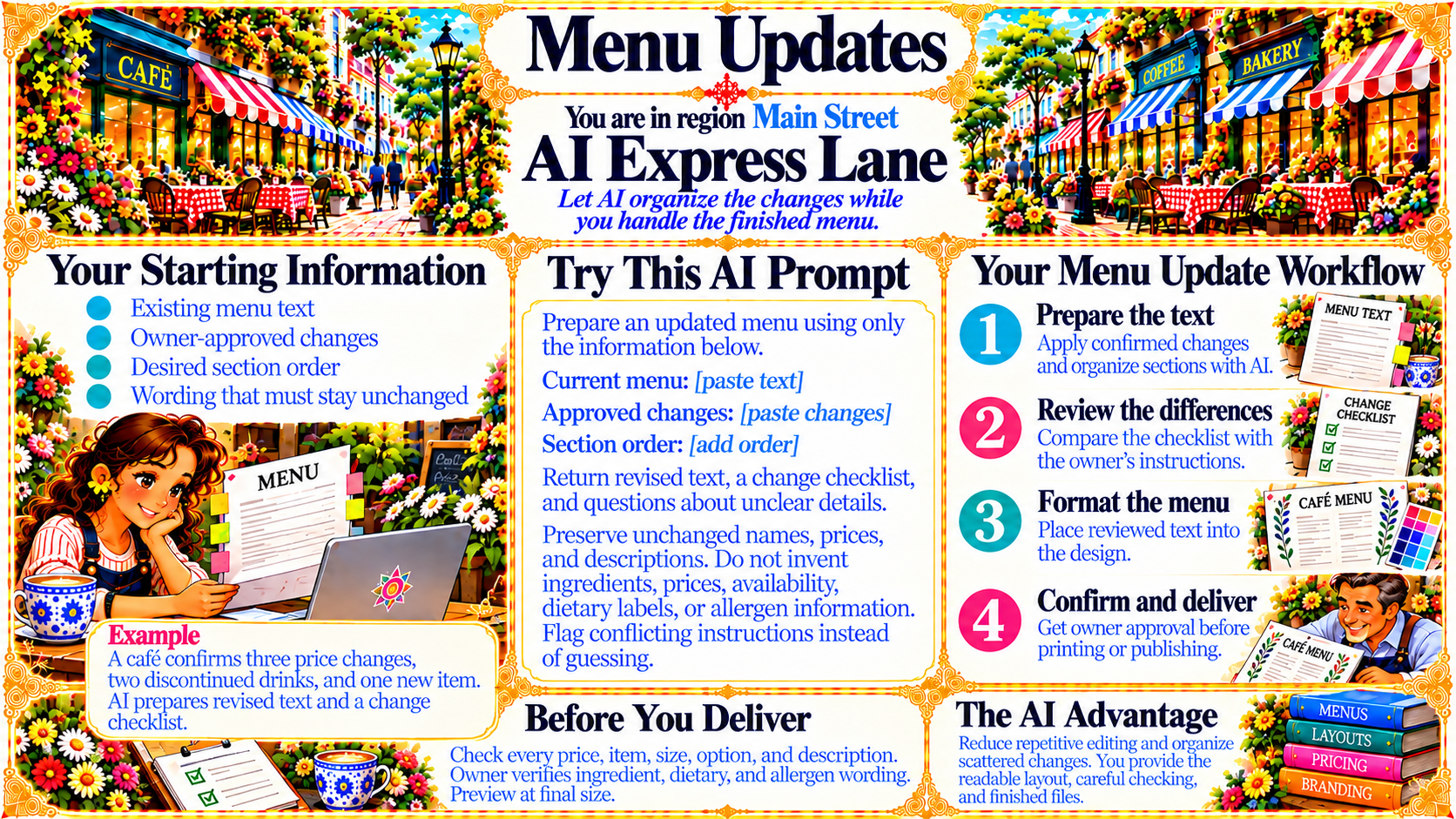
Let AI organize the changes while you handle the finished menu.
Source
- Original artwork, subtitle: Open original PNG
Your Starting Information
Existing menu text
Owner-approved changes
Desired section order
Wording that must stay unchanged
Source
- Original artwork, left panel: Open original PNG
Your Menu Update Workflow
1. Prepare the text — Apply confirmed changes and organize sections with AI.
2. Review the differences — Compare the checklist with the owner’s instructions.
3. Format the menu — Place reviewed text into the design.
4. Confirm and deliver — Get owner approval before printing or publishing.
Source
- Original artwork, right panel: Open original PNG
ExampleExample
A café confirms three price changes, two discontinued drinks, and one new item. AI prepares revised text and a change checklist.
Source
- Original artwork, lower-left example box: Open original PNG
CheckBefore You Deliver
Check every price, item, size, option, and description.
Owner verifies ingredient, dietary, and allergen wording.
Preview at final size.
Source
- Original artwork, bottom panel: Open original PNG
The AI Advantage
Reduce repetitive editing and organize scattered changes. You provide the readable layout, careful checking, and finished files.
Source
- Original artwork, bottom-right panel: Open original PNG
Try This Prompt
Source
- Original artwork, Try This AI Prompt panel: Open original PNG