AI Express Lane
Pinch or use the controls to zoom. Drag to pan when zoomed in.
AI Express Lane
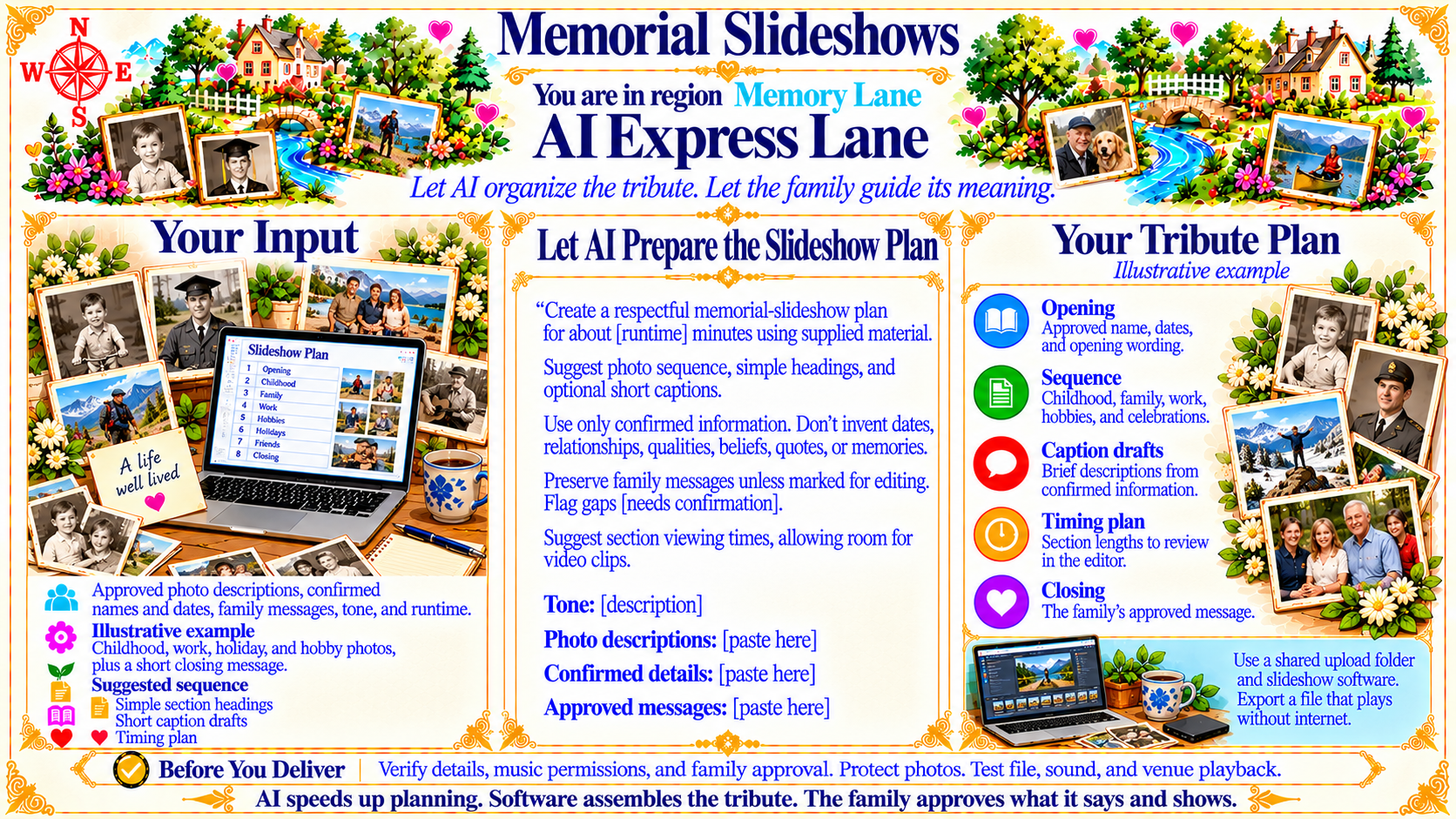
Let AI organize the tribute. Let the family guide its meaning.
Source
- Original artwork, subtitle: Open original PNG
Your Input
Approved photo descriptions, confirmed names and dates, family messages, tone, and runtime.
Source
- Original artwork, left panel: Open original PNG
ExampleIllustrative example
Childhood, work, holiday, and hobby photos, plus a short closing message.
Source
- Original artwork, left panel: Open original PNG
ExampleSuggested sequence
Simple section headings
Short caption drafts
Timing plan
Source
- Original artwork, left panel: Open original PNG
Let AI Prepare the Slideshow Plan
Create a respectful memorial-slideshow plan for about [runtime] minutes using supplied material.
Suggest photo sequence, simple headings, and optional short captions.
Use only confirmed information. Don’t invent dates, relationships, qualities, beliefs, quotes, or memories.
Preserve family messages unless marked for editing.
Flag gaps [needs confirmation].
Suggest section viewing times, allowing room for video clips.
Tone: [description]
Photo descriptions: [paste here]
Confirmed details: [paste here]
Approved messages: [paste here]
Source
- Original artwork, center panel: Open original PNG
ExampleYour Tribute Plan
Opening
Approved name, dates, and opening wording.
Sequence
Childhood, family, work, hobbies, and celebrations.
Caption drafts
Brief descriptions from confirmed information.
Timing plan
Section lengths to review in the editor.
Closing
The family’s approved message.
Source
- Original artwork, right panel: Open original PNG
CheckBefore You Deliver
Verify details, music permissions, and family approval. Protect photos. Test file, sound, and venue playback.
Source
- Original artwork, bottom reminder bar: Open original PNG
Try This Prompt
Source
- Original artwork, center prompt panel: Open original PNG