Get Directions
Pinch or use the controls to zoom. Drag to pan when zoomed in.
Get Directions
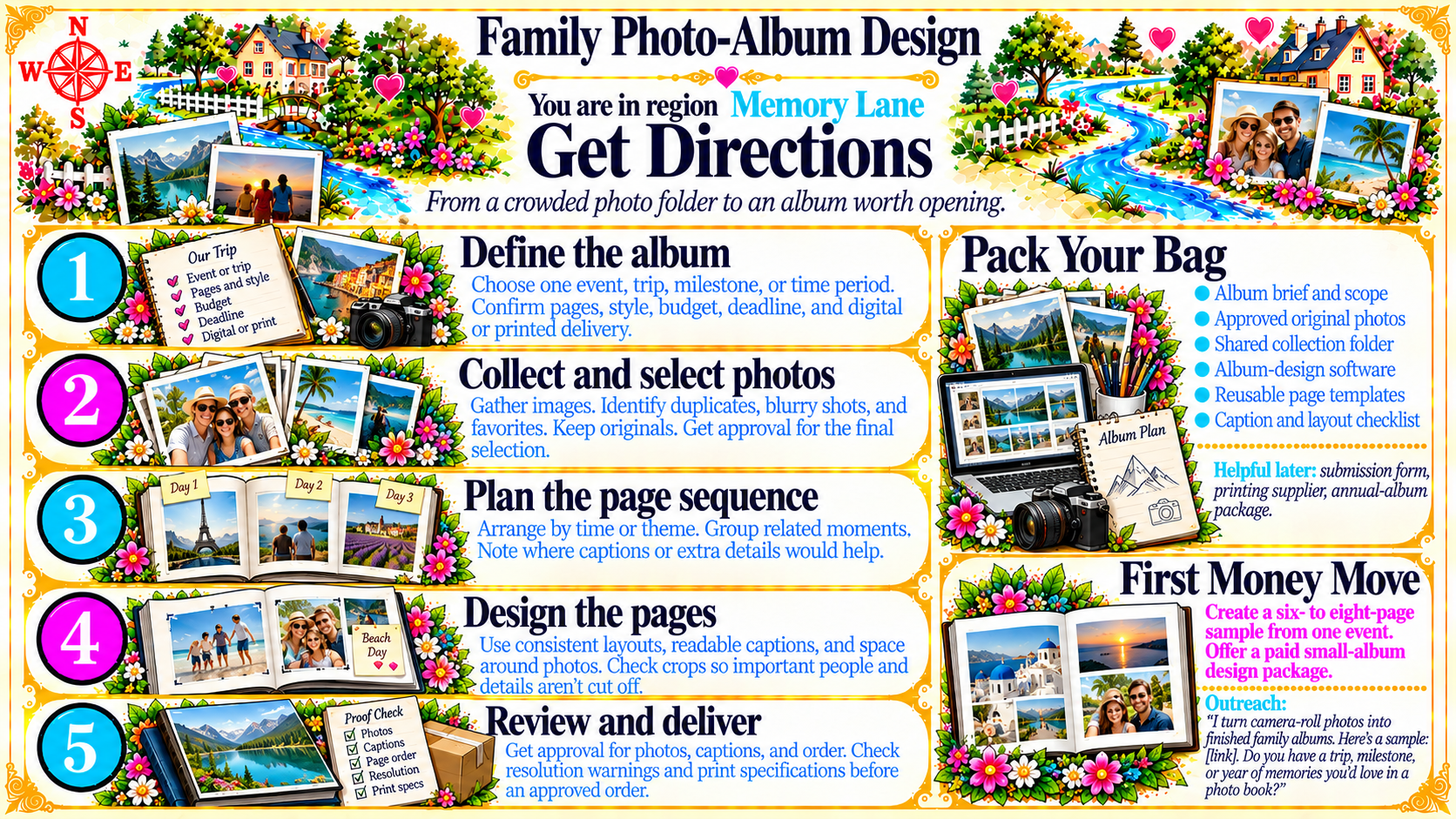
StepDefine the album
Choose one event, trip, milestone, or time period. Confirm pages, style, budget, deadline, and digital or printed delivery.
Source
- Original artwork, Step 1: Open original PNG
StepCollect and select photos
Gather images. Identify duplicates, blurry shots, and favorites. Keep originals. Get approval for the final selection.
Source
- Original artwork, Step 2: Open original PNG
StepPlan the page sequence
Arrange by time or theme. Group related moments. Note where captions or extra details would help.
Source
- Original artwork, Step 3: Open original PNG
StepDesign the pages
Use consistent layouts, readable captions, and space around photos. Check crops so important people and details aren’t cut off.
Source
- Original artwork, Step 4: Open original PNG
StepReview and deliver
Get approval for photos, captions, and order. Check resolution warnings and print specifications before an approved order.
Source
- Original artwork, Step 5: Open original PNG