AI Express Lane
Pinch or use the controls to zoom. Drag to pan when zoomed in.
AI Express Lane
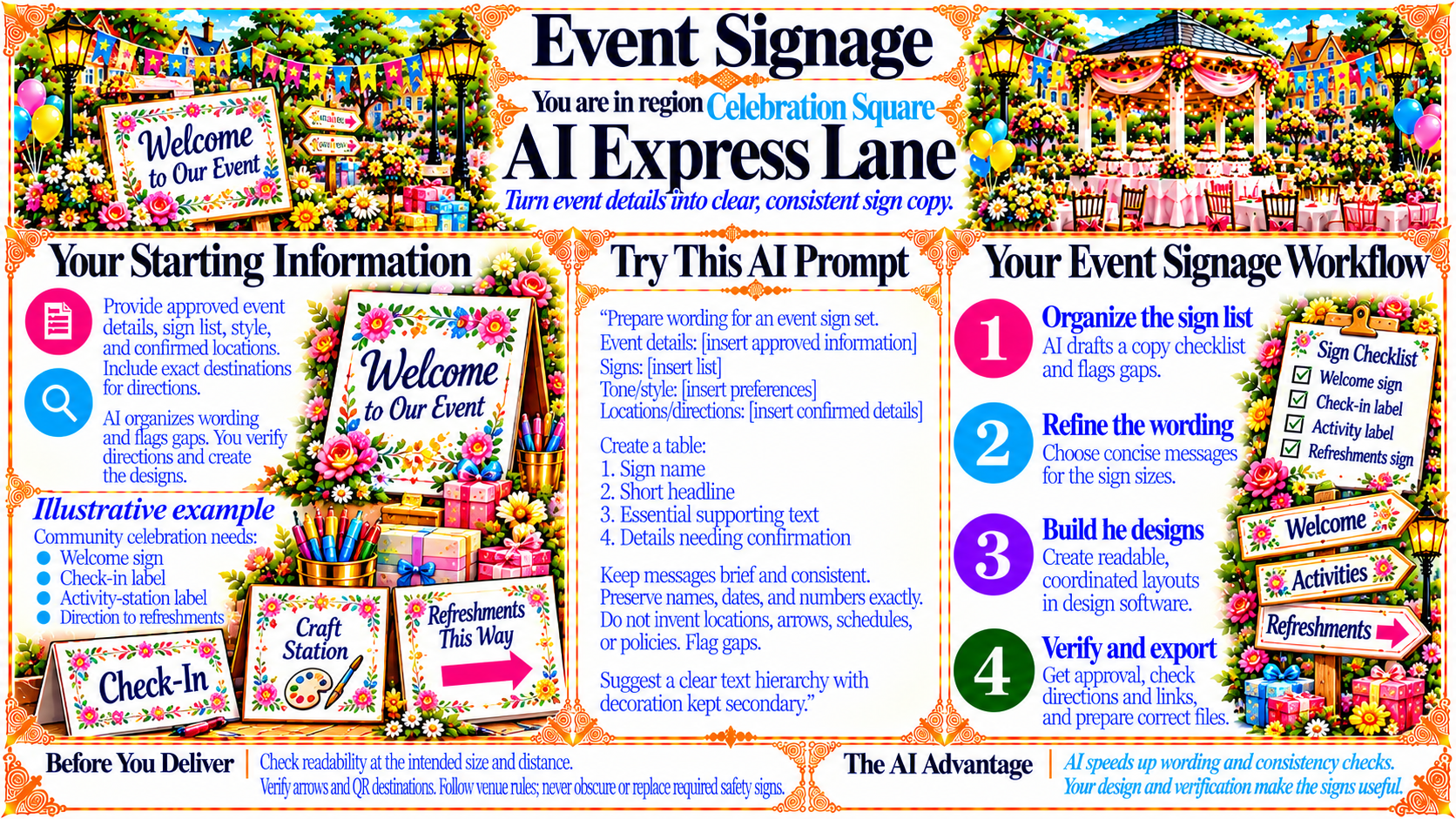
Turn event details into clear, consistent sign copy.
Source
- Original artwork, subtitle: Open original PNG
ExampleYour Starting Information
Provide approved event details, sign list, style, and confirmed locations. Include exact destinations for directions.
AI organizes wording and flags gaps. You verify directions and create the designs.
Illustrative example
Community celebration needs:
Welcome sign
Check-in label
Activity-station label
Direction to refreshments
Source
- Original artwork, left panel: Open original PNG
Your Event Signage Workflow
1. Organize the sign list
AI drafts a copy checklist and flags gaps.
2. Refine the wording
Choose concise messages for the sign sizes.
3. Build the designs
Create readable, coordinated layouts in design software.
4. Verify and export
Get approval, check directions and links, and prepare correct files.
Source
- Original artwork, right workflow panel: Open original PNG
CheckBefore You Deliver
Check readability at the intended size and distance.
Verify arrows and QR destinations. Follow venue rules; never obscure or replace required safety signs.
Source
- Original artwork, bottom reminder panel: Open original PNG
CheckThe AI Advantage
AI speeds up wording and consistency checks.
Your design and verification make the signs useful.
Source
- Original artwork, bottom-right note: Open original PNG
Try This Prompt
Source
- Original artwork, Try This AI Prompt: Open original PNG