Get Directions
Pinch or use the controls to zoom. Drag to pan when zoomed in.
Get Directions
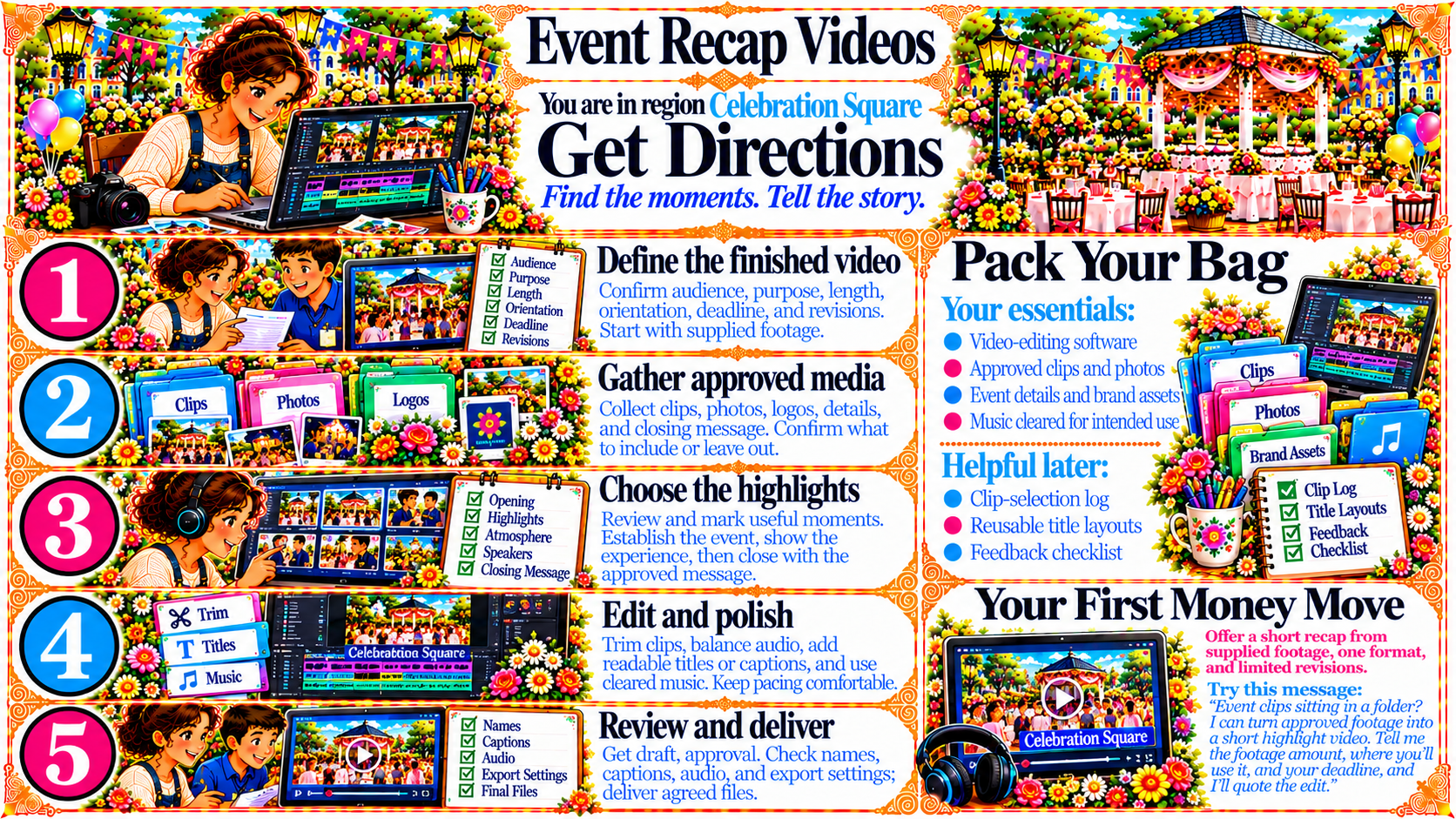
StepDefine the finished video
Confirm audience, purpose, length, orientation, deadline, and revisions.
Start with supplied footage.
Source
- Original artwork, Step 1: Open original PNG
StepGather approved media
Collect clips, photos, logos, details, and closing message. Confirm what to include or leave out.
Source
- Original artwork, Step 2: Open original PNG
StepChoose the highlights
Review and mark useful moments.
Establish the event, show the experience, then close with the approved message.
Source
- Original artwork, Step 3: Open original PNG
StepEdit and polish
Trim clips, balance audio, add readable titles or captions, and use cleared music. Keep pacing comfortable.
Source
- Original artwork, Step 4: Open original PNG
StepReview and deliver
Get draft approval. Check names, captions, audio, and export settings, then deliver agreed files.
Source
- Original artwork, Step 5: Open original PNG