AI Express Lane
Pinch or use the controls to zoom. Drag to pan when zoomed in.
AI Express Lane
Turn party details into invitation-ready wording.
Source
- Original artwork, subtitle: Open original PNG
Your Starting Information
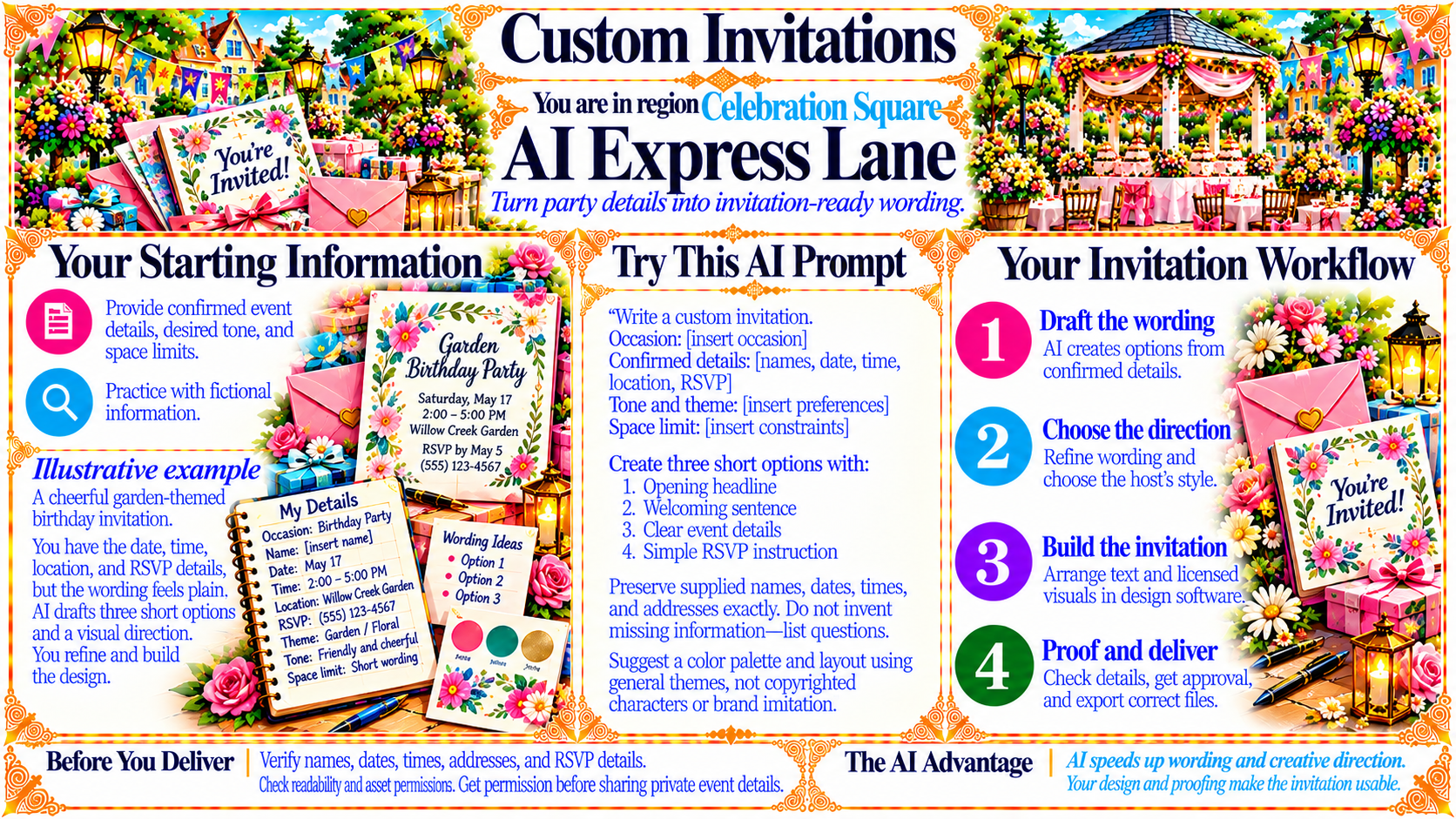
Provide confirmed event details, desired tone, and space limits.
Practice with fictional information.
Source
- Original artwork, left panel: Open original PNG
ExampleIllustrative example
A cheerful garden-themed birthday invitation.
You have the date, time, location, and RSVP details, but the wording feels plain. AI drafts three short options and a visual direction. You refine and build the design.
My Details:
Occasion: Birthday Party
Name: [insert name]
Date: May 17
Time: 2:00–5:00 PM
Location: Willow Creek Garden
RSVP: (555) 123-4567
Theme: Garden / Floral
Tone: Friendly and cheerful
Space limit: Short wording
Source
- Original artwork, left lower panel: Open original PNG
Your Invitation Workflow
1. Draft the wording — AI creates options from confirmed details.
2. Choose the direction — Refine wording and choose the host’s style.
3. Build the invitation — Arrange text and licensed visuals in design software.
4. Proof and deliver — Check details, get approval, and export correct files.
Source
- Original artwork, right panel: Open original PNG
CheckBefore You Deliver
Verify names, dates, times, addresses, and RSVP details.
Check readability and asset permissions. Get permission before sharing private event details.
Source
- Original artwork, bottom left footer: Open original PNG
CheckThe AI Advantage
AI speeds up wording and creative direction.
Your design and proofing make the invitation usable.
Source
- Original artwork, bottom right footer: Open original PNG
Try This Prompt
Source
- Original artwork, Try This AI Prompt panel: Open original PNG