Get Directions
Pinch or use the controls to zoom. Drag to pan when zoomed in.
Get Directions
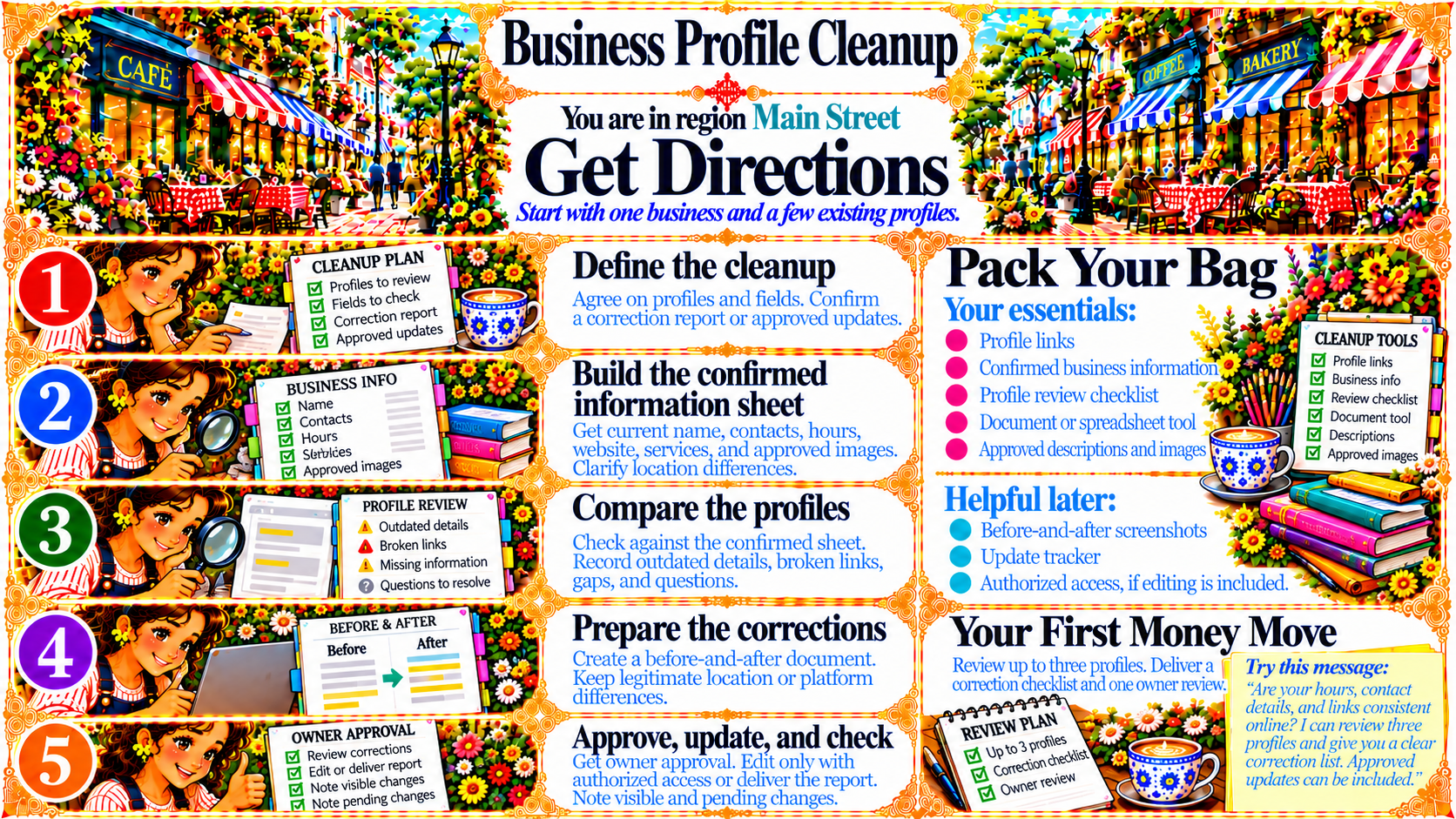
StepDefine the cleanup
Agree on profiles and fields. Confirm a correction report or approved updates.
Source
- Original artwork, Step 1: Open original PNG
StepBuild the confirmed information sheet
Get current name, contacts, hours, website, services, and approved images.
Clarify location differences.
Source
- Original artwork, Step 2: Open original PNG
StepCompare the profiles
Check against the confirmed sheet.
Record outdated details, broken links, gaps, and questions.
Source
- Original artwork, Step 3: Open original PNG
StepPrepare the corrections
Create a before-and-after document.
Keep legitimate location or platform differences.
Source
- Original artwork, Step 4: Open original PNG
StepApprove, update, and check
Get owner approval. Edit only with authorized access or deliver the report.
Note visible and pending changes.
Source
- Original artwork, Step 5: Open original PNG