Get Directions
Pinch or use the controls to zoom. Drag to pan when zoomed in.
Get Directions
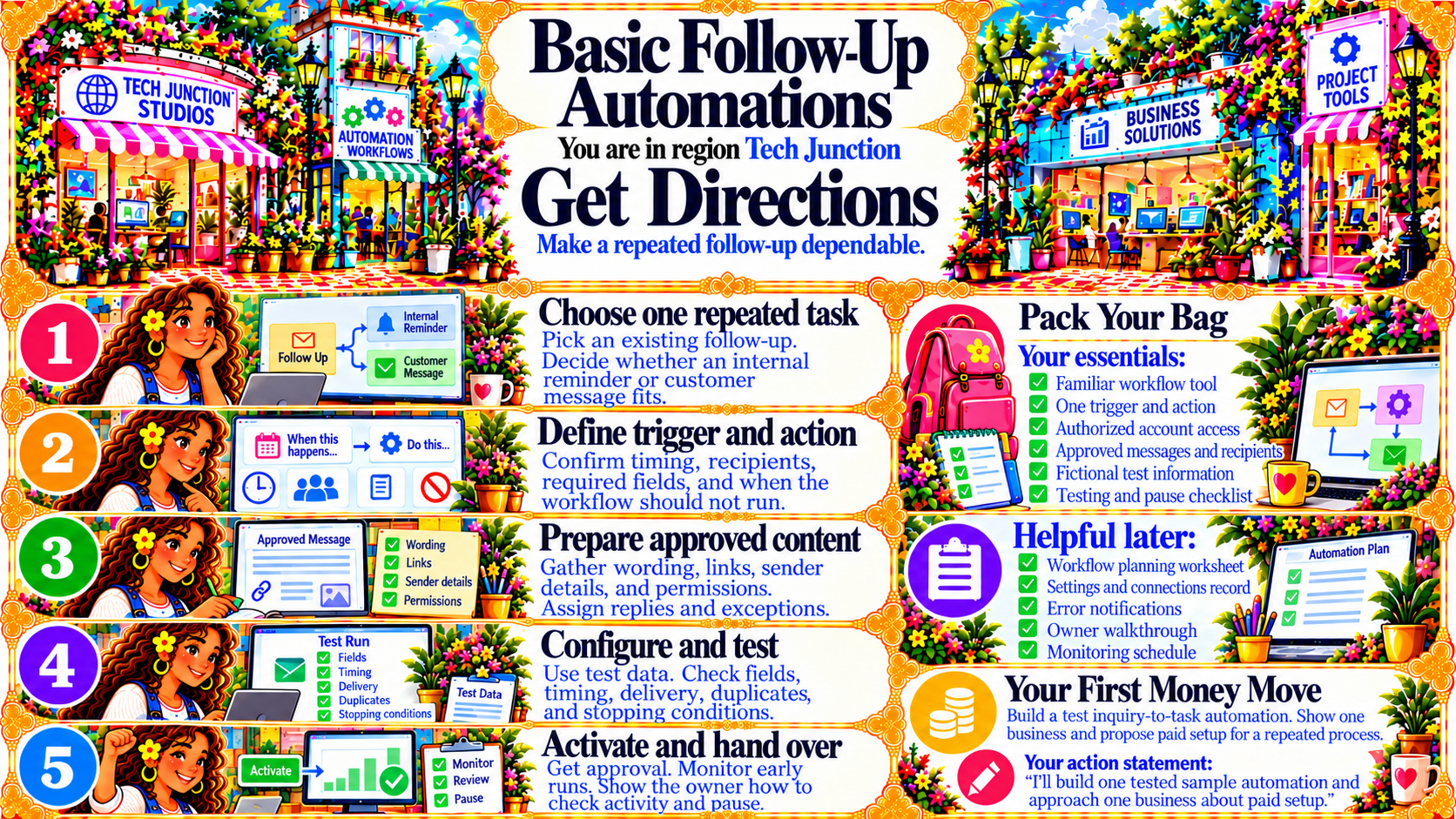
StepChoose one repeated task
Pick an existing follow-up. Decide whether an internal reminder or customer message fits.
Source
- Original artwork, Step 1: Open original PNG
StepDefine trigger and action
Confirm timing, recipients, required fields, and when the workflow should not run.
Source
- Original artwork, Step 2: Open original PNG
StepPrepare approved content
Gather wording, links, sender details, and permissions. Assign replies and exceptions.
Source
- Original artwork, Step 3: Open original PNG
StepConfigure and test
Use test data. Check fields, timing, delivery, duplicates, and stopping conditions.
Source
- Original artwork, Step 4: Open original PNG
StepActivate and hand over
Get approval. Monitor early runs. Show the owner how to track activity and pause.
Source
- Original artwork, Step 5: Open original PNG